

Every “best AI video avatar” listicle tells you to pick a tool, upload a stock face, and call it content. What none of them mention: a generic avatar built on someone else’s likeness quietly erodes your audience’s trust — and your brand’s authority — one robotic video at a time.
For a project built from your own footage, explore our custom AI avatar production. Studio capture records your face, voice and gestures from IDR 1,600,000 per hour; training and the managed pipeline are quoted separately.
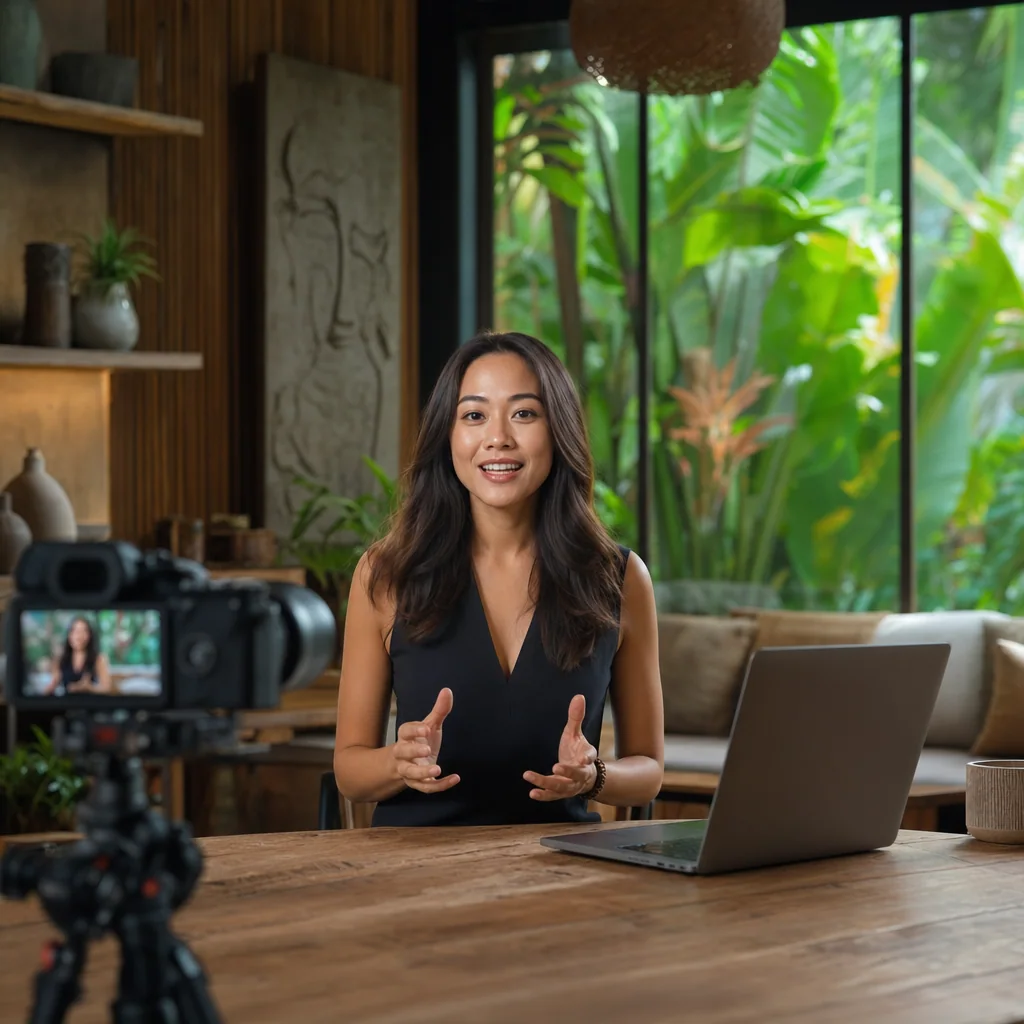
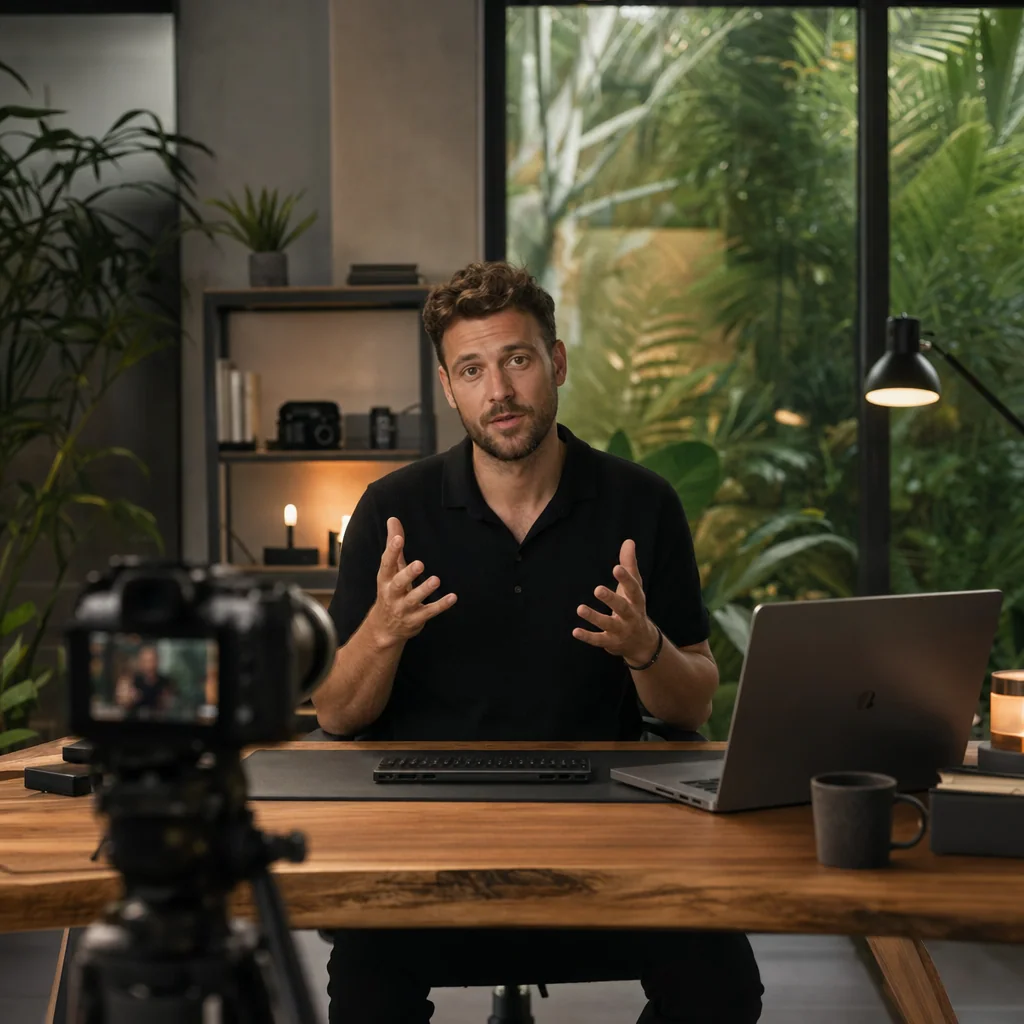
We’ve filmed 1,138 sessions in 23 months at our Canggu studio. About 31% of those clients asked about specific gear — Sony FX3, Aputure 600D, Shure SM7B — before booking. Over the last year, the same people started asking a different question: “Can you film footage we can train an AI avatar on?” That question changed how we think about talking-head production entirely.
This guide covers what an AI video avatar actually is in 2026, where generic tools fail, and how a custom avatar trained on real founder footage compares. If you’ve tried Synthesia or HeyGen and felt like an imposter on your own channel — read on.
What Is an AI Video Avatar? (And What It Actually Should Be)
An AI video avatar is a digital character — generated and animated by a neural network — that lip-syncs to audio, moves its head, and delivers a script on camera. You type text or upload a voice file. The system renders a video of “someone” speaking it.
That’s the textbook definition. Most guides stop there.
The real distinction isn’t between “AI avatar” and “no AI avatar.” It’s between a stock digital character (a rented face from a library) and a trained digital twin — your face, your voice, your mannerisms, rendered by a model trained on hours of your own footage.
According to Morphed (2026), AI avatar adoption moved from novelty to standard production stack between 2024 and 2025. Most of that adoption defaulted to stock avatars — because they’re faster to set up. For a founder-led business, that shortcut is the problem.
The AI Video Avatar Market in 2026: Why Everyone Is Moving Fast
Precedence Research (2025) valued the global AI avatar market in the billions, with steep year-over-year growth. MarketsandMarkets (2025) projects a CAGR that puts the segment on track to multiply several times over by 2030. Global Market Insights (2026) identifies e-learning and online education as the fastest-growing vertical inside that curve.
Translation: online course creators, B2B founders, and expert-led brands are deploying these tools at scale — not enterprise marketing departments. Individual operators who need 40 course modules without spending 40 days on camera.
We see this in our own bookings. Talking Head sessions — interviews, expert content, course footage — account for 55.5% of our revenue. Six months ago, roughly one in ten of those bookings mentioned AI training. Today it’s closer to one in three. The math drove it: one three-day shoot, then twelve months of scalable video output.
How Generic AI Video Avatar Tools Work — And Where They Break
The generic pipeline is simple. Pick an avatar from a library — a stock face, usually a stock voice. Paste your script. The tool renders a video with lip-sync and canned gestures. Done in ten minutes.
They break in the same place every time: trust.
Lip-sync in the uncanny valley. Modern models sync mouths to phonemes accurately — until the camera holds on a face for more than eight seconds. Micro-expressions don’t match. The jaw moves without the cheeks. Eyes stay too still. Viewers feel it before they can name it. KHABY AI (2026) data on avatar engagement shows viewer drop-off spikes when perceived realism dips below a threshold that stock tools consistently fail to clear.
Vocal tone mismatch. A stock voice reading your script sounds like a stock voice reading your script. Pacing is off. Emphasis lands on the wrong words. Anyone who has heard you on a podcast will notice within two sentences.
Zero brand identity. Your face is your brand’s fingerprint. A generic avatar swaps that fingerprint for a rented one. The founder disappears from founder-led content. What’s left is a talking placeholder — technically a video, functionally a red flag.
Source footage quality matters more here than tool selection. Poor lighting, mismatched color temperature, and inconsistent audio wreck training data before the first frame is processed. Our notes on professional video lighting setup apply directly — a model trained on flat-lit iPhone footage produces a flat-lit iPhone avatar.
Custom AI Avatar vs. Generic Avatar: A Direct Comparison
Grand View Research (2025) identifies personalization as the top driver of AI avatar adoption. Here’s what that looks like side by side.
| Dimension | Generic AI Avatar | Custom AI Avatar (Studio-Trained) |
|---|---|---|
| Brand authenticity | Stock face — no connection to your identity | Your face, your voice, your brand’s actual founder |
| Lip-sync accuracy | Phoneme-matched, breaks at close-up | Trained on your speech patterns and jaw movement |
| Voice match | Library voice or basic TTS clone | Voice clone trained on hours of your recorded audio |
| Scalability | Unlimited output, low authenticity | Unlimited output, high authenticity |
| Audience trust | Detected as AI within seconds | Passes as real for most short-form use cases |
The scalability row is identical. That’s what generic-tool marketing hides behind. Both approaches produce dozens of videos from a script. Only one keeps you in the frame.
How to Create an AI Avatar That Represents You: The Studio-Trained Method
The workflow is more boring than the technology suggests. That’s why it works.
Step 1 — Plan the shoot
Neural networks trained on avatar footage need variety inside consistency: same background, same wardrobe, same lighting — but different head angles, different emotional deliveries, different sentence structures. One hour is not enough. A well-planned three-hour session usually is. Our checklist on filming your avatar source footage covers the pre-production steps that make training data usable instead of scrapped.
Step 2 — Film in a controlled studio environment
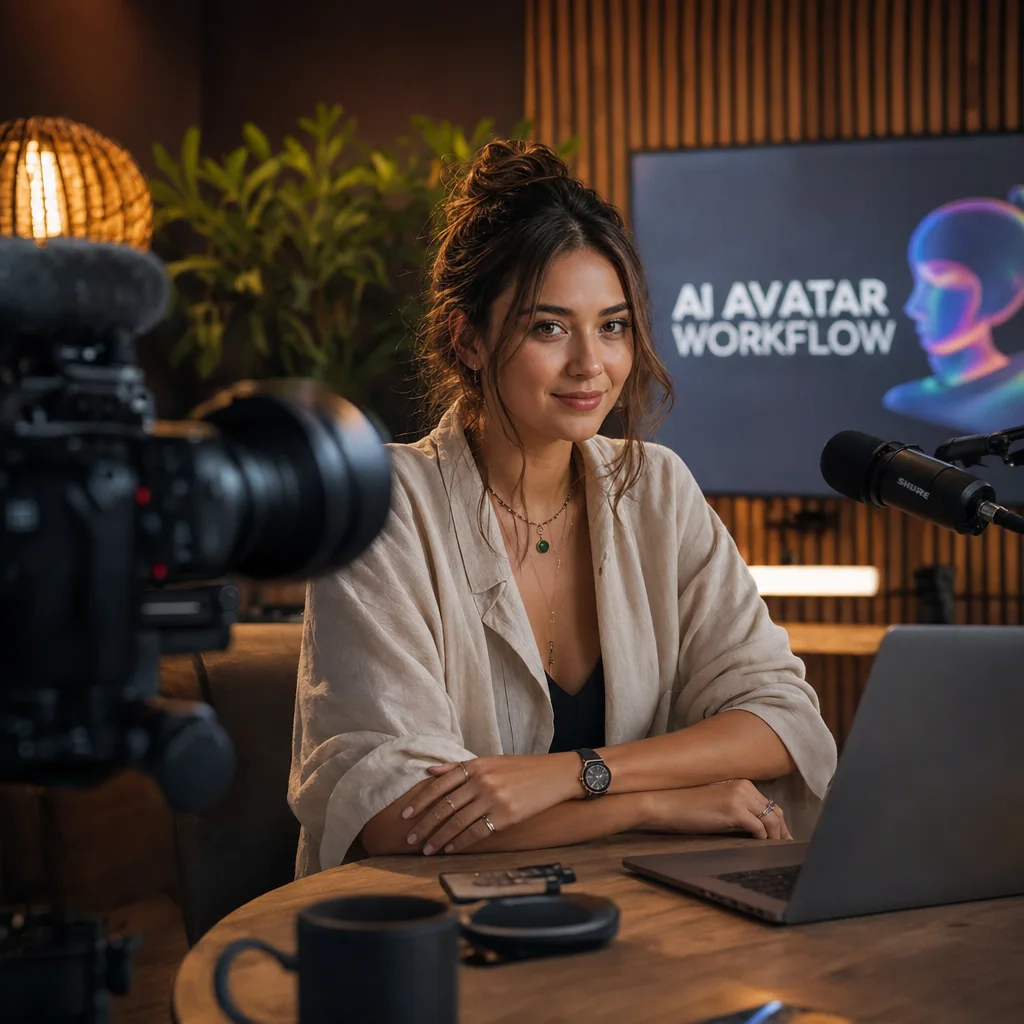
Training data is only as good as the source. That means a locked-off Sony FX3 at 4K (25fps or 30fps depending on your platform), Aputure 600D key light with a soft fill, a clean neutral background, and a Shure SM7B into a proper interface. Shooting on natural light at home means retraining every time the sun moves.
Step 3 — Submit footage for neural network training
Depending on the provider, training takes 48 hours to two weeks. You receive a model tied to your likeness. This is the moment your avatar stops being generic.
Step 4 — Generate and publish
From here, the workflow mirrors what generic tools already do well: paste a script, generate a video, publish. The face on screen is yours. For a full walkthrough of how a custom AI avatar trained on real founder footage is built and deployed, that’s the process we handle end-to-end.
Morphed (2026) puts time savings at roughly an order of magnitude compared to traditional filming for equivalent output — but only when training footage was captured correctly the first time. Reshoots cost more than the original shoot.
Who Should Use a Custom AI Video Avatar (and Why Now)
Generic guides pitch AI avatars to “marketers.” The real ROI sits in specific segments, and Global Market Insights (2026) confirms e-learning leads.
Online course creators. A 40-module course traditionally means 40 recording days — plus reshoots, plus the afternoon your voice gives out on module 27. A custom avatar collapses that into one shoot day plus scripting time. See our breakdown on using an AI avatar for online courses.
B2B founders scaling thought leadership. If your calendar can’t absorb weekly LinkedIn videos, a trained avatar can. The founder stays visible; the calendar stays intact. B2B audiences won’t accept a stock face standing in for the CEO — custom deployment is the only version that holds up.
Digital nomads and expat operators. We see this weekly. A founder based in Canggu sells to audiences in New York, London, or Moscow. Time zones don’t align. Recording live in prime broadcast hours means late nights or early mornings, five days a week. An avatar trained during Bali business hours publishes into any market, any time zone, indefinitely. We covered the broader trajectory in the future of AI avatar in content creation.
Honest take: AI avatars don’t replace real talking-head video when trust is the primary goal. They extend it. The founder still needs to appear live somewhere — a webinar, a podcast, a launch video. The avatar handles the ninety pieces of content that come after. In Talking Head projects we tracked through 2025, conversion on stock AI avatars ran materially lower than on real founder footage. Custom-trained avatars closed most of that gap. Generic tools didn’t.
FAQ: AI Video Avatar Questions Answered
What is an AI video avatar?
An AI video avatar is a digital character generated by artificial intelligence that speaks, moves, and lip-syncs to audio — letting you produce video without filming a real person for every take. The strongest versions are trained on real footage of a specific person, so the “digital character” is a digital twin, not a stock face.
How do I create an AI video avatar?
Two paths. Path one: choose a generator, pick a stock character, input text, generate — about ten minutes. Path two: film source footage of yourself in a professional studio, submit it to a training pipeline, and generate from your own model. Path two takes a shoot day and produces something your audience will actually watch.
Are AI video avatars free?
Some tools offer free tiers with watermarks, short duration caps, and stock avatars only. Professional use — custom-trained avatars, higher resolution, commercial licensing — requires a paid plan or a one-time training investment. Free tiers work for testing. They don’t work for a business channel.
Can AI video avatars lip-sync accurately?
Yes. Most modern generators match mouth movement to phonemes automatically. Accuracy varies by tool and source model quality. Custom-trained avatars sync more convincingly at close-up because the model has learned how your specific jaw and lips move — not a generic face’s.
Are AI video avatars legal?
Yes, when you own the likeness or have explicit consent to use it. Using an avatar to impersonate someone without permission can trigger issues around identity, fraud, and defamation. Ethical use requires transparency — audiences should know when content is AI-generated, even if the face is your own.
Can I use AI video avatars on YouTube?
Yes. YouTube allows AI-generated content provided it complies with disclosure rules for realistic synthetic media. The platform’s position: the content must be original and non-misleading. The avatar is a production tool, not a policy violation — as long as you disclose synthetic media where required.
Ready to build your AI video avatar the right way?
The training footage is the whole game. Poor source material produces a poor model — and that model is what your audience sees for the next twelve months.
We film AI avatar training sessions at our Canggu studio: 3-camera setup, Aputure 600D lighting, Shure SM7B broadcast audio, and a crew that has captured avatar-ready footage across 400+ Talking Head sessions. Book a session or send us your project brief — we’ll walk you through the shoot plan before you commit.