

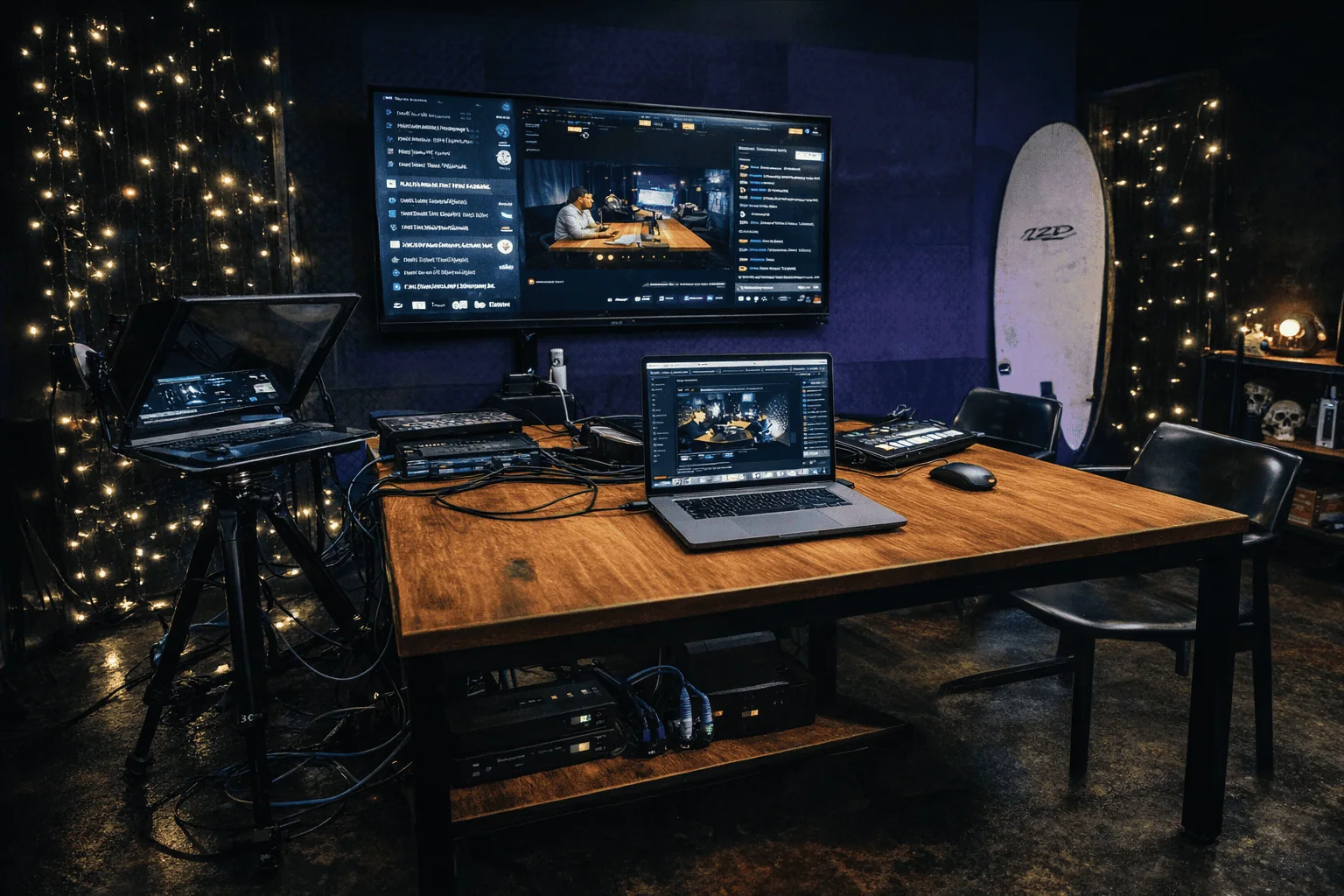
A complete one-room conferencing setup rents for $150-$400 per day. That covers a camera, a microphone, a codec or laptop, a display and the cabling. Single items cost from about $15 a day for a lapel mic up to $1,000 a day for a broadcast camera, and delivery, setup labor and insurance usually add another 20-40% to the day rate.
Most rental companies hide these numbers behind a quote form. This guide lists them: prices for each component, the kit each room size needs, what a live stream costs, the capture card question renters often forget, and when buying beats renting. The figures are US-market benchmarks from vendor price lists and the Avuniversal Pricing Guide (2025). Use them as a starting point and get current rates in a written quote.
Conferencing rental prices by component
For a complete room setup, $150-$400 per day is the number to check quotes against. If a quote is far above it, ask what extras it includes.
| Component | Budget tier | Mid tier | Pro tier | $/day range |
|---|---|---|---|---|
| Camera | Webcam / all-in-one | PTZ camera | Broadcast cinema body | $150-$1,000 |
| Lighting | LED panel kit | Softbox set | Full grid + grip | $200-$1,500 |
| Microphone | Lapel / USB | Boundary array | Broadcast condenser | $15-$3,000 |
| Full room setup | Camera + mic + codec + display + cabling | $150-$400 | ||
The day rate is only part of the bill. Delivery, setup labor, insurance and cable runs add 20-40%. If a vendor quotes $200 for the gear, budget $240-$280 all-in and ask for the difference itemized in writing. A day rate without a delivered-and-set-up total is only half a quote.
Three things push a quote toward the top of the range:
- Room size. Boardrooms need mic arrays and cable runs. Event spaces need a technician.
- An operator. If someone has to frame shots or mix audio live, the price is no longer a gear-only rental.
- Short notice. Rush orders shrink your choice of kit and remove your room to negotiate.
Villo Studio's Canggu location has lower fixed costs than Jakarta or Singapore, so a broadcast-class setup costs less per day. The table above shows US benchmarks. For Bali day rates, see the Villo Studio price list.
What video conferencing rental equipment a full kit includes
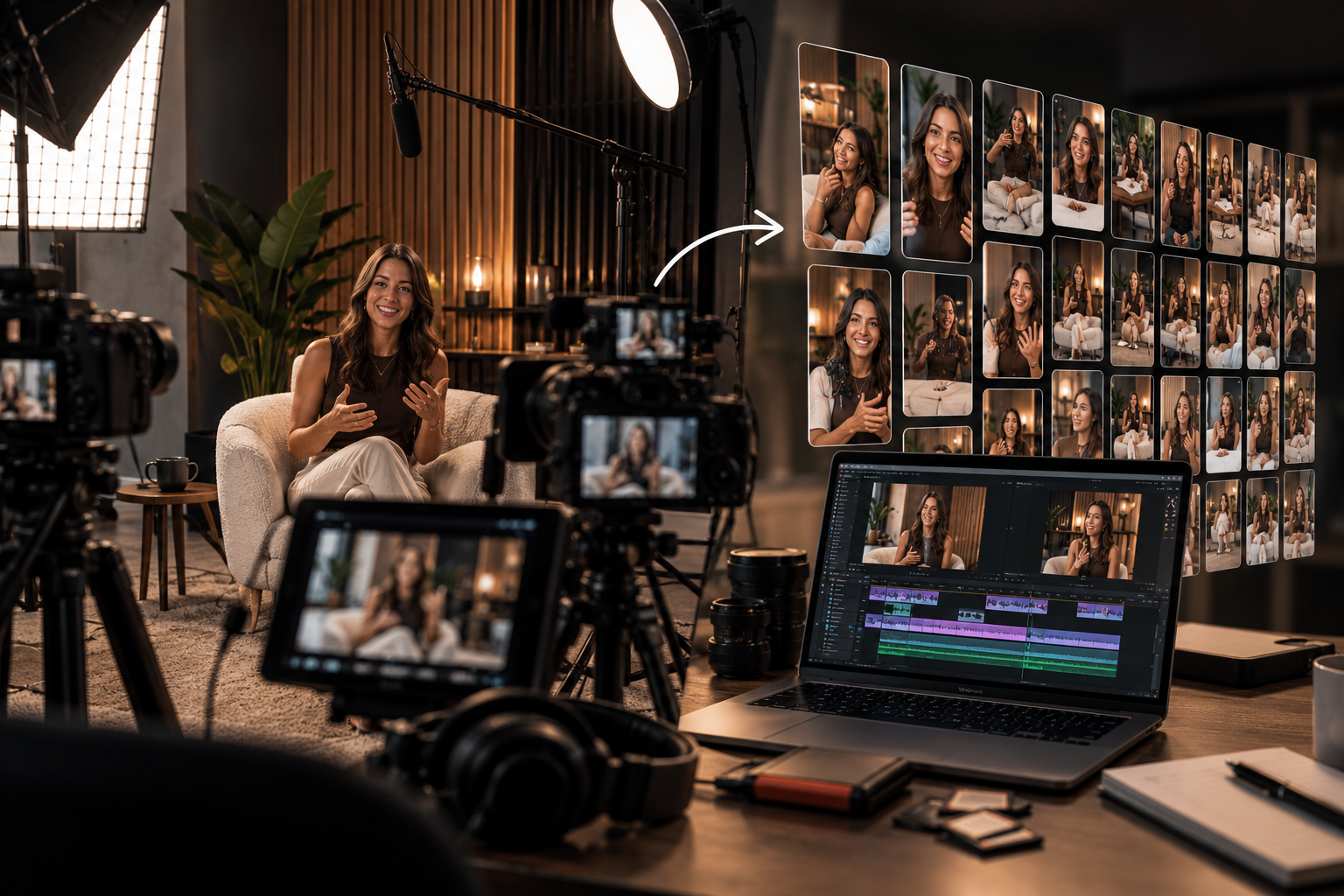
A conferencing rental package has five parts. If one is missing, the call fails. A great camera with no audio feed just gives you a silent room. List all five when you ask for a quote, so nothing is missing on the day:
- Camera: all-in-one bar, webcam or PTZ (pan-tilt-zoom, aimed by remote control)
- Microphone or speakerphone: picks up everyone at the table, not only the person nearest the laptop
- Codec or dedicated laptop: runs the call software and encodes the video
- Display: shows the remote participants to the room
- Cabling: power, USB and HDMI runs long enough for your actual room
All-in-one systems put the camera and mic in one unit. Rental companies most often stock the Meeting Owl 4+ and Logitech Rally Bar. A Meeting Owl 4+ covers a huddle room of up to eight people over a single USB cable and needs no IT setup. It will not cover a 20-person boardroom, so match the unit to the room before you book.
Modular and PTZ setups cover rooms that all-in-ones can't. A Logitech Rally scales up to a boardroom with separate mic pods. With a PTZ camera, one operator can frame a large room without walking into the shot. If the room has no dedicated laptop, you need a Cisco Webex codec to encode the call. Production-grade rentals add lighting, a capture card and an operator on top of the five core parts. That is a separate product and it costs more.
Room size guide: matching the kit to your space
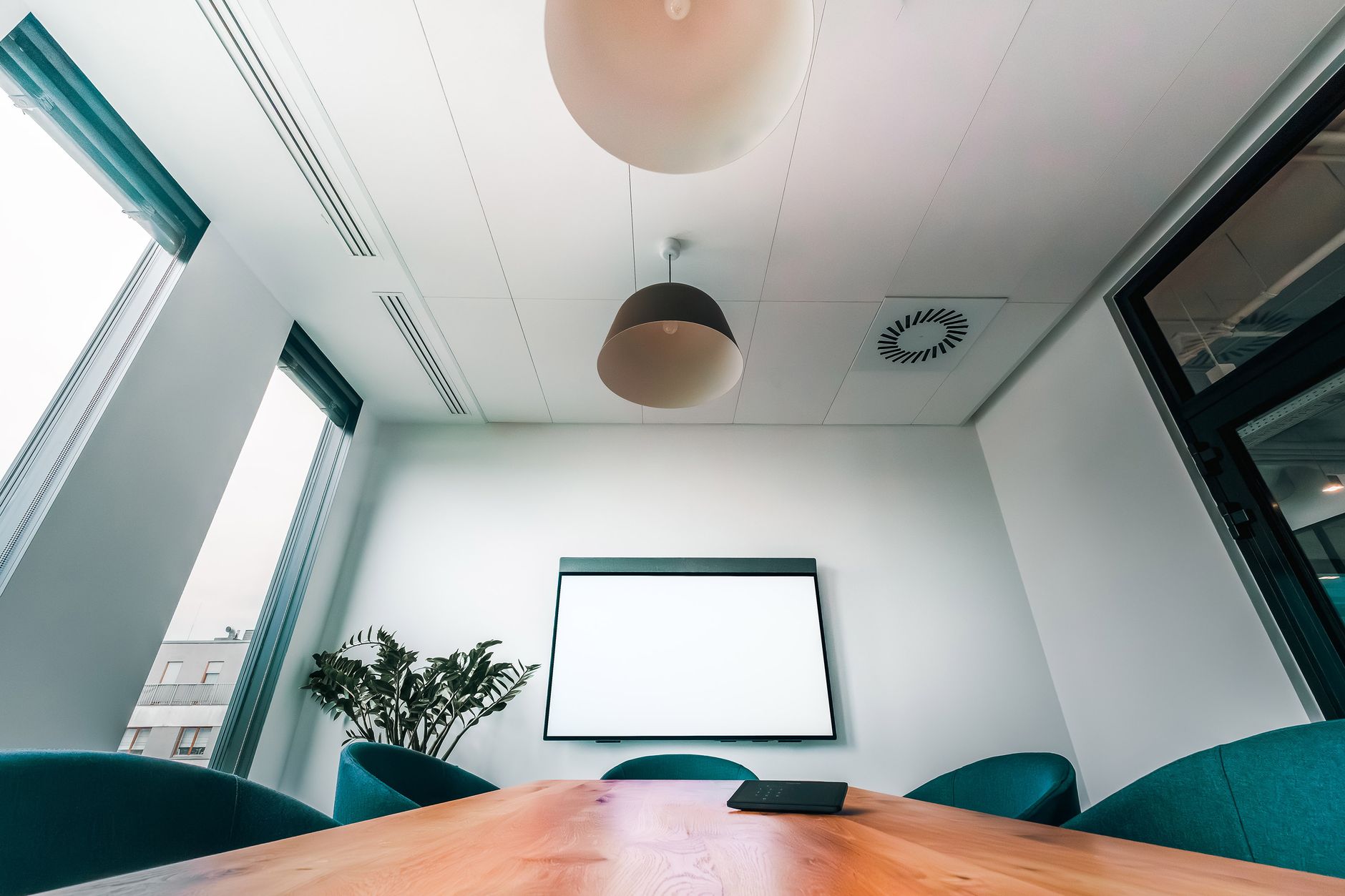
Room size decides the mic type, the camera's field of view, and whether you need a codec or a laptop. If you get this wrong, no gear budget will save the call: a webcam in a boardroom leaves half the table inaudible. Measure the room and count the seats before you ask for a quote.
Huddle room (2-4 people, under 15 m²). A single all-in-one unit such as a Meeting Owl 4+ or Logitech MeetUp is enough, connected by one USB cable with no IT work. A separate PTZ camera in a room this size wastes money and clutters the desk.
Boardroom (8-20 people, under 50 m²). You need a boundary mic array or ceiling mics. A single webcam mic won't pick up a voice more than two meters away. A Logitech Rally with separate mic pods covers this size, but it needs a cable run and IT setup. Book the setup-and-teardown option so the cabling isn't your job on the morning of the event.
Event space (20+ people). You need the full AV chain: a PTZ camera, a separate audio mix, a codec and a dedicated technician. Prices reach the top of the component ranges.
| Room size | People | Recommended kit | Approx. day rate |
|---|---|---|---|
| Huddle (up to 15 m²) | 2-4 | All-in-one (Meeting Owl, Logitech MeetUp) | $150-$400 |
| Boardroom (up to 50 m²) | 8-20 | Modular (Logitech Rally + mic pods) | $300-$700 |
| Event space | 20+ | PTZ + audio console + codec + technician | $800+ |
Live streaming setup cost breakdown
A live stream uses the same parts as a conference room, plus two that a plain video call doesn't need: a capture card or switcher to get the camera signal into the computer, and usually someone to run the stream. Here is the cost item by item:
| Item | What it does | Typical rental cost |
|---|---|---|
| Camera | From webcam or all-in-one up to PTZ or cinema body | $150-$1,000/day |
| Capture card or switcher | Turns the HDMI/SDI camera signal into a feed the laptop can read | Small line item, but ask for it by name |
| Microphone | Lapel, boundary array or broadcast condenser | $15-$3,000/day |
| Lighting | LED panel kit up to a full grid | $200-$1,500/day |
| Streaming laptop or encoder | Runs OBS, vMix, Zoom or the streaming platform | Often bundled in room setups, so confirm |
| Operator | Switches cameras, watches audio, fixes failures live | Quoted per hour or day, varies by market |
| Delivery, setup, insurance | Logistics | +20-40% on the day rate |
A single-camera stream with a webcam-class camera, a lapel mic and one LED kit costs near the bottom of each range. A multi-camera stream with broadcast cameras, mixed audio and a technician costs near the top. That is why event-space setups start around $800 a day.
If the budget is tight, spend it on audio first. Viewers forgive soft video much sooner than sound they can't understand. Lighting comes next, because it does more for image quality than moving to a pricier camera.
Capture card for renters: when you need one and what to ask
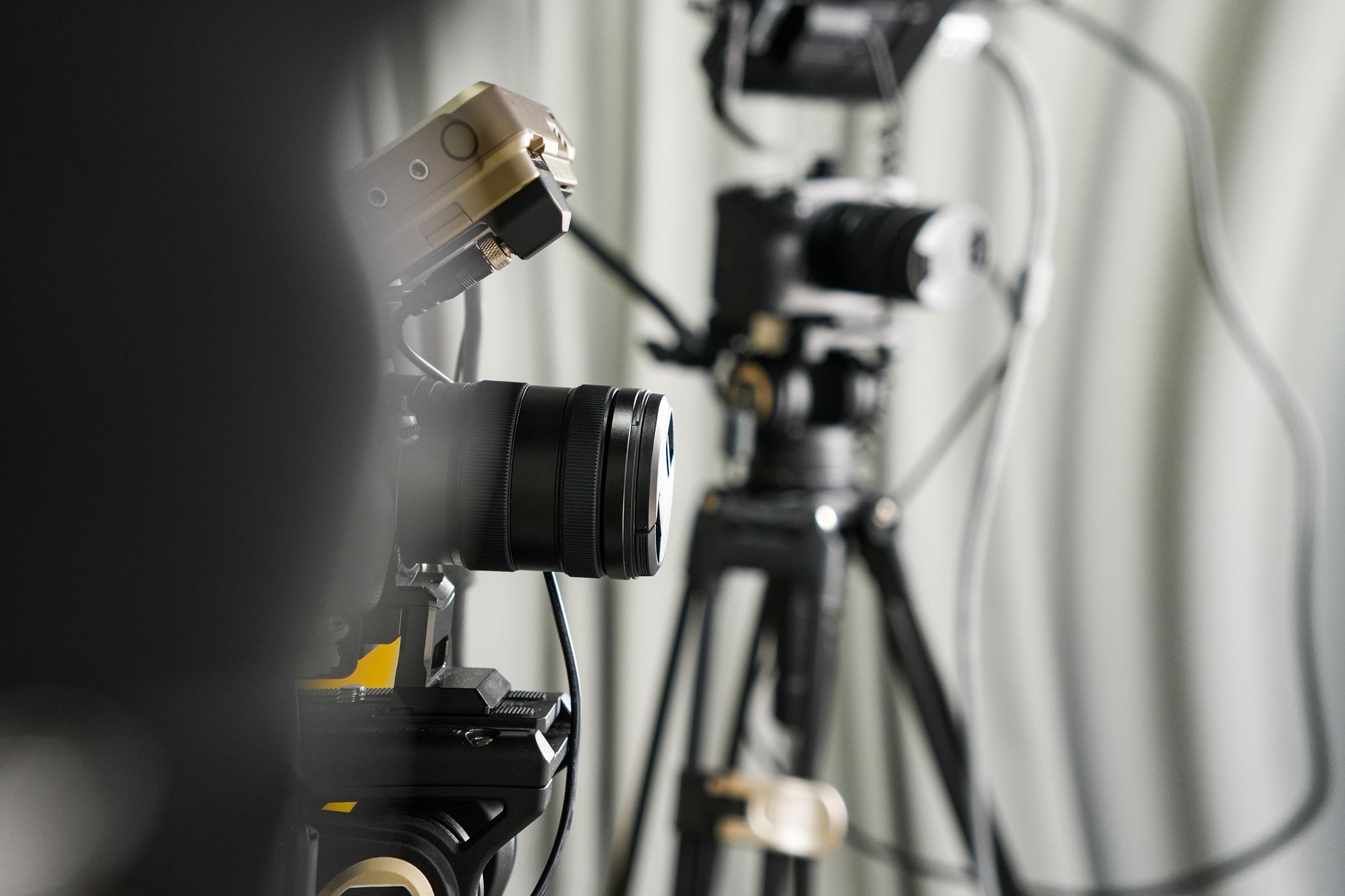
A capture card is a small device, usually USB, that takes the HDMI or SDI signal from a real camera and turns it into a feed your laptop treats as a webcam. You need one whenever your rental includes a camcorder, mirrorless or PTZ camera with HDMI or SDI output. All-in-one bars like the Meeting Owl or Logitech Rally connect over USB and don't need one.
Renters often leave this item off the quote, because camera rentals don't always include one. Before you book, check these points:
- Is it included? Ask by name. Don't assume the camera package has one.
- Connector. HDMI suits short runs. SDI handles the long cable runs of large rooms. The card has to match the camera.
- Laptop port. Most USB capture devices need a USB 3.0 port. A USB 2.0 port or a cheap hub can cause dropped frames.
- Plug-and-play. Choose a UVC device. UVC (USB Video Class) is the standard that lets Zoom, Teams and OBS see it as a webcam without drivers.
- Several cameras. Rent a small switcher with USB output instead of several capture cards, so one operator can cut between angles.
- Camera settings. Turn off the on-screen overlays on the HDMI output and the camera's auto power-off.
Test the full chain the day before: camera, capture card, laptop and platform. A card that works in OBS can still fail in the browser version of Teams.
Rent vs. buy: when conferencing rental wins
Rent if you use the gear fewer than twice a year. Buy if you run weekly meetings from a fixed office. Below twice a year, a $150-$400 day rate never adds up to the purchase price of a full kit. Above that, owning usually pays for itself within three to six months of regular use.
The real cost of owning is not the hardware. It is firmware updates, and the morning Teams or Zoom pushes an update and your codec stops connecting. A bought system is an ongoing IT job. With a rented one, keeping it working is the vendor's job.
| Your situation | Rent or buy | Why |
|---|---|---|
| Fewer than 2 events per year | Rent | Day rate never reaches purchase cost |
| Weekly meetings, fixed office | Buy | Pays back within 3-6 months |
| Remote worker or traveling consultant | Rent | No storage, no shipping, no customs |
| One-off event in a rented venue | Rent | Nothing to store afterward |
How to set up rental equipment for hybrid events
Hybrid events are a major reason people rent conferencing gear. Rent a proper hybrid kit rather than stretching a plain video-call setup to cover both the people in the room and the remote seats. At minimum you need a PTZ camera, a room mic array, and a dedicated laptop set up in advance for Zoom or Teams.
Echo is the most common hybrid failure. If a USB speakerphone feeds remote audio back into the room mic, it creates a feedback loop that can end a live call. Poly Studio and Jabra PanaCast units cancel echo in hardware. Don't leave it to software.
Use this as a booking checklist with any vendor:
- Confirm a PTZ camera for any room over six people.
- Reserve a dedicated laptop that is set up in advance. Never use the presenter's machine: a Slack ping or a low battery can drop the event.
- Require hardware echo cancellation, not a USB speakerphone.
- Name your platform (Zoom, Teams or Meet) and confirm the PTZ camera works with it at booking. Software can update between booking day and event day.
- Run a full audio and camera rehearsal the day before, not the hour before.
Conferencing rental in Bali: gear, crew and edit in one booking
Villo Studio in Canggu provides the gear, the crew and the edit in one booking. That removes the coordination problem that hurts most remote shoots: three vendors mean three schedules, three invoices and a good chance of delays on day one.
Bali had roughly 63,000 active digital nomads in 2024, up from about 5,000 in 2020 (Magnum Estate / Digital Nomad World). Most Canggu co-working spaces offer a webcam and a ring light. That's fine for a stand-up meeting, not for an investor pitch. Villo Studio runs a broadcast setup with several cameras, boundary mics and controlled lighting.
A studio day avoids the 20-40% logistics markup that delivery, setup labor and tech support add to a component rental. The gear is already on the island, set up and run by our crew. If you only need the room, lights and sound, rent the studio space on its own. For investor calls, interviews and branded content that need a full crew and an edit, see our video production service in Bali.
FAQ: conferencing rental prices and equipment
How much does it cost to rent video conferencing equipment?
A complete room setup costs $150-$400 per day at most rental vendors. Individual items range from $15 per day for a lapel mic to $1,000 per day for a broadcast camera. Budget an extra 20-40% for delivery, setup and insurance.
What equipment is in a video conference rental package?
A camera, a mic or speakerphone, a codec or dedicated laptop, a display and all the cabling. Production-grade packages add lighting, a capture card and an operator, and they cost more.
Do I need a capture card if I rent a camera?
Yes, if the camera outputs HDMI or SDI rather than USB. All-in-one conference bars and webcams don't need one. Ask whether it is in the quote, and check that your laptop has a USB 3.0 port.
Can I rent conferencing equipment for one day?
Yes. Most vendors publish daily rates, and single-day rentals are the norm. In Bali, you can book a Villo Studio day with gear and crew included and no multi-day minimum.
How far in advance should I book?
At least one to two weeks ahead for a standard event. In major cities, rush orders need 48-72 hours at minimum, and gear may not be available during busy conference seasons.
Should I rent or buy?
Rent if you use the gear fewer than twice a year. Buy if you meet weekly from a fixed office, where owning usually pays for itself within three to six months.
Before you contact any vendor, know your room size, your number of events per year and your platform. Bring the five-component checklist above, and you'll rarely get a $200 quote that turns into a $600 bill. If your shoot is in Bali, check the Villo Studio price list for current day rates on a studio day with gear, crew and edit at one price.