

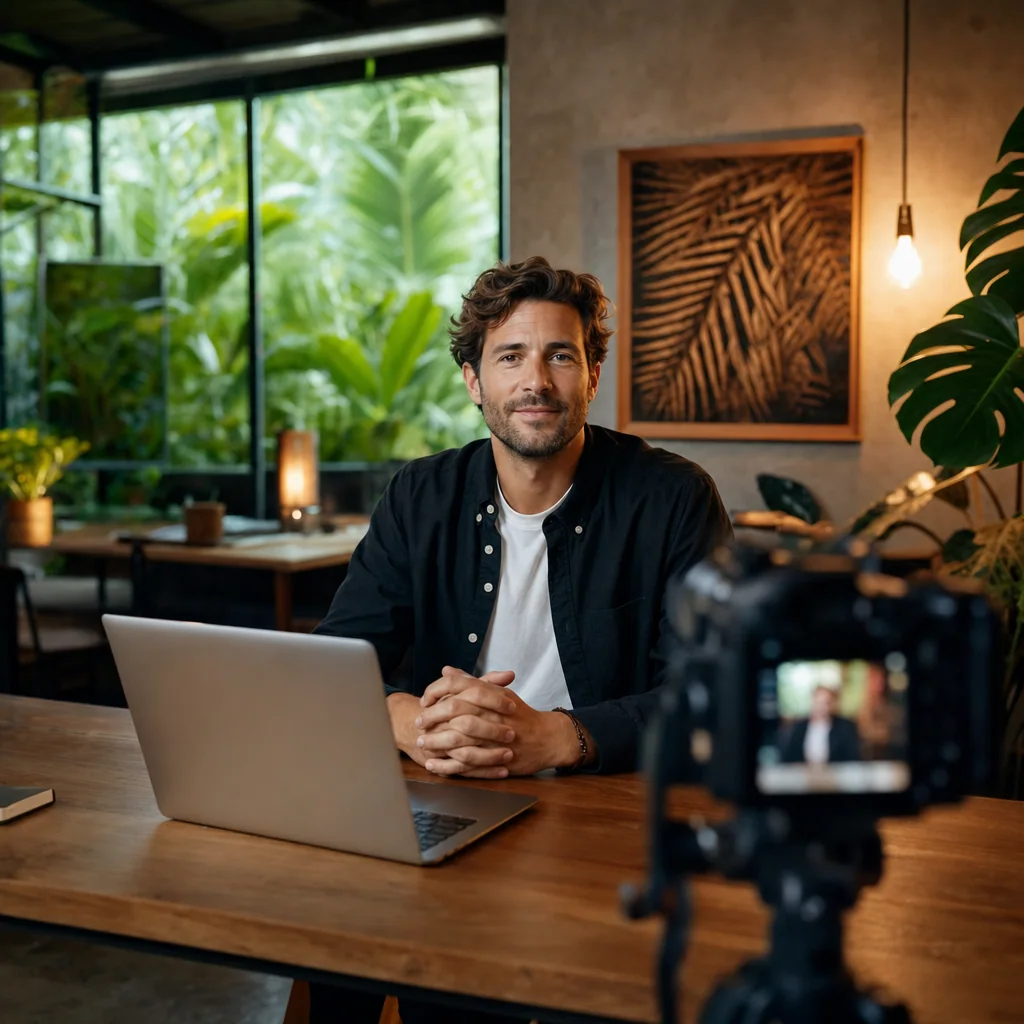
Every major AI avatar platform will generate a talking head in minutes. What they won’t tell you: it’s their generic model wearing your face — not a digital version of you. If your avatar doesn’t start from real footage filmed under controlled conditions, you’re not getting a custom AI avatar. You’re getting a costume.
For a project built from your own footage, explore our studio capture for your AI avatar. Studio capture records your face, voice and gestures from IDR 1,600,000 per hour; training and the managed pipeline are quoted separately.
We’ve filmed 1,138 sessions in 23 months at our Canggu studio. About a third came in asking about camera specs — Sony FX3, Aputure 600D, Shure SM7B. That same third books avatar training shoots. They already understood what most tutorials skip: the AI model can only be as good as what you feed it.
What “Custom AI Avatar” Actually Means
The word “custom” has been stretched to breaking. On most platforms, it means you picked a preset body, adjusted skin tone, swapped in a voice clone, and uploaded a headshot. The underlying model — the one deciding how the mouth forms an “s,” how the eyes drift mid-pause, how the shoulders shift on emphasis — is still the platform’s stock model.
A truly custom avatar trains on real, continuous footage of a specific person. It learns your micro-expressions, your jaw movement, your resting posture. When it renders, it replays learned patterns of you — not your face overlaid on someone else’s motion library.
HeyGen, Synthesia, and D-ID collectively serve more than 2 million active users and generate over $400 million in combined annual revenue, according to Khaby.ai’s 2026 market analysis. None of them draw a clear line between template avatars and footage-trained avatars in their user-facing copy. That ambiguity is commercially convenient — and it’s why buyers keep getting surprised.
The two-second test
Watch any avatar demo for two seconds with the sound off. If the face reads generically pleasant — polite smile, neutral eyebrows, textbook nod — it’s a template. If it reads specifically like the person (a slight lean, one eyebrow lifting before a point), it was trained on real footage. No middle ground.
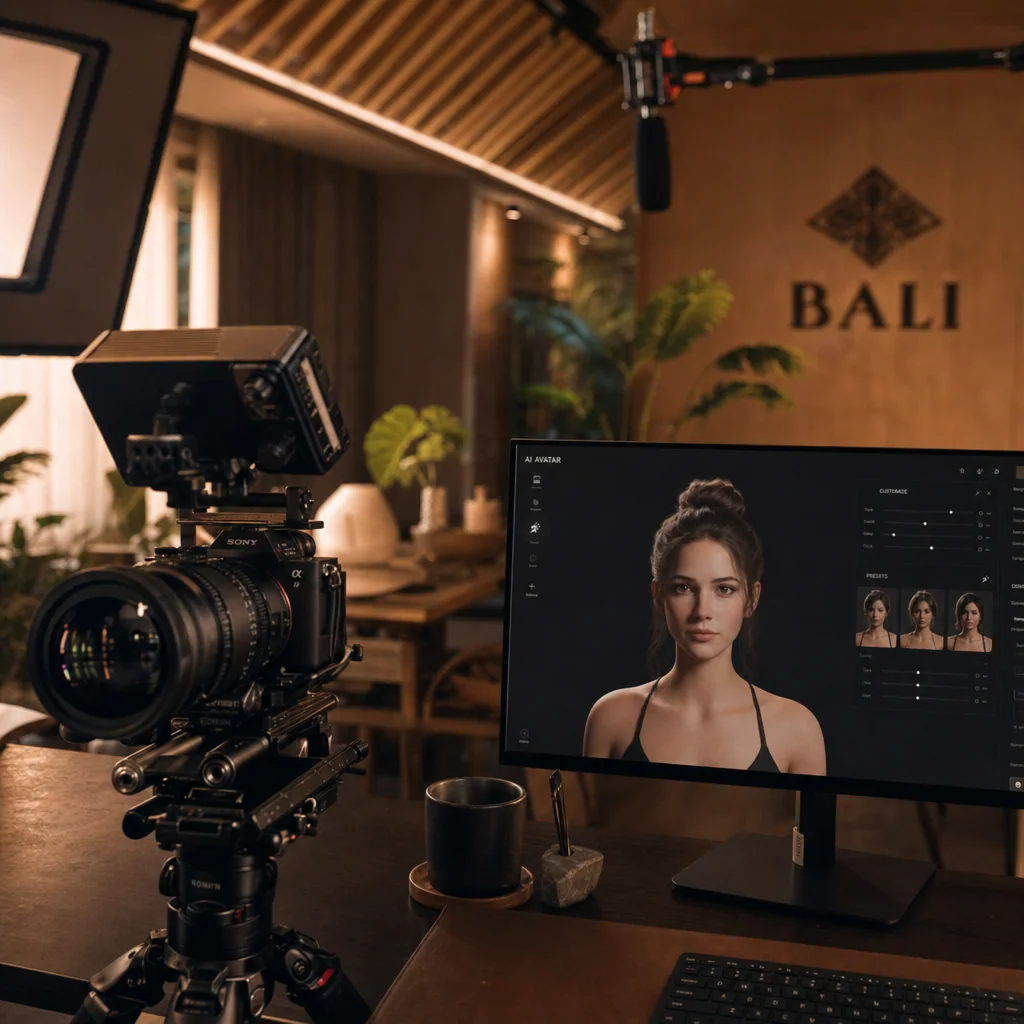
Why Source Footage Is the Whole Game
Production cost for AI-generated video dropped more than 80% since 2023. API calls run pennies per minute. That collapse in compute cost shifted the bottleneck entirely: it’s no longer price or processing power. It’s the input footage.
A trained model inherits every flaw in its source material. Uneven lighting bakes shadows into the model’s forehead — permanently. Compression artifacts from a phone camera become the baseline texture the AI can’t unlearn. A slightly off eye-line means every future render has your avatar looking two centimeters past the camera, forever.
Four things determine the shoot:
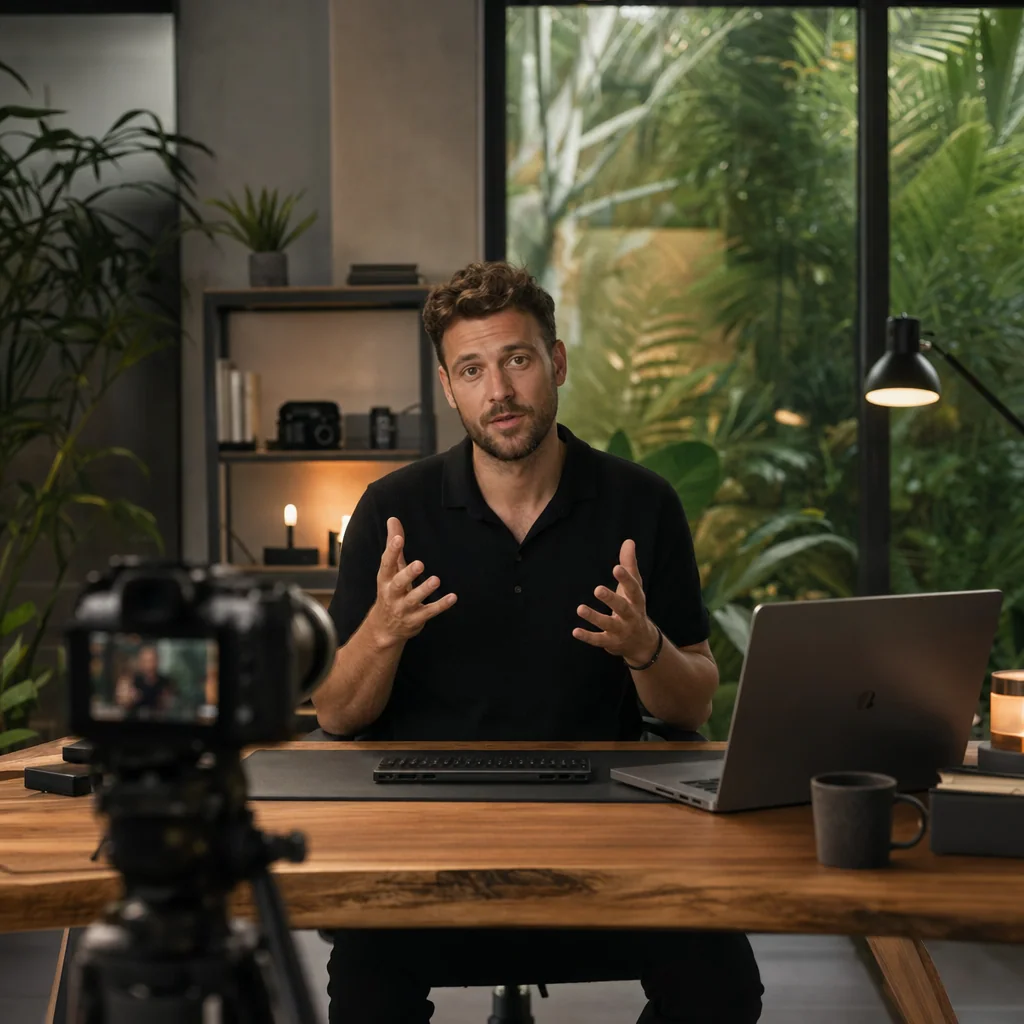
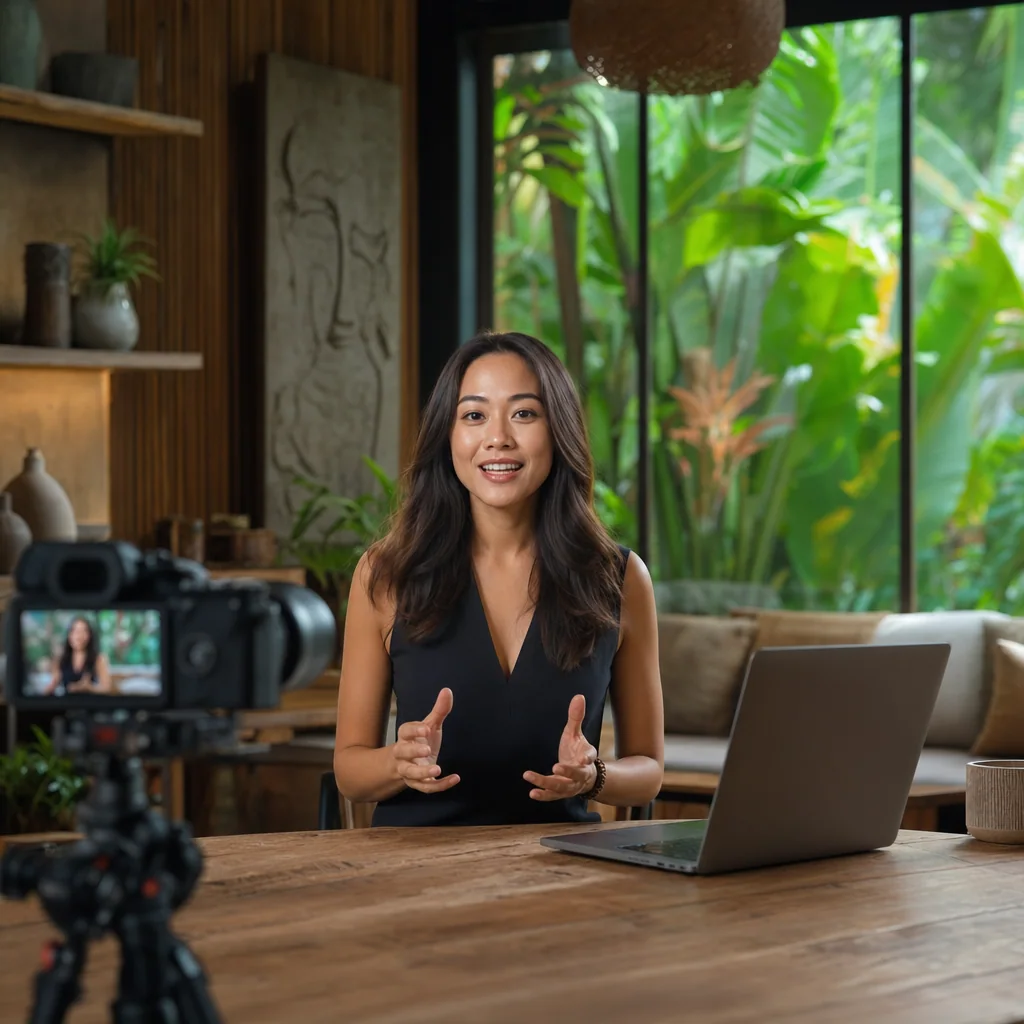
- Lighting. Flat, controlled, zero color-temperature drift. We run an Aputure 600D key with soft diffusion plus a subtle backlight for depth separation — consistent across the entire session.
- Camera and lens. A Sony FX3 with a prime lens at f/4 delivers clean skin detail without over-shallow depth of field. Avatars trained on shallow-focus footage look like they’re floating.
- Audio. A Shure SM7B at consistent gain. Voice cloning models pick up room reverb as a feature and reproduce it in every future line.
- Duration and variety. Ten minutes of the same phrase produces a lifeless model. Twenty to forty minutes of varied delivery — questions, statements, pauses, laughs — gives the model range.
For the technical detail behind each of these decisions, see our guide on professional video lighting setup — the same principles that govern a good talking-head shoot govern a good avatar training shoot.
How to Create a Custom AI Avatar: Five Steps
The AI avatar market is projected to reach $142.62 billion by 2035 at a 30.73% CAGR, per Precedence Research. An avatar built correctly this year is a content asset compounding for a decade. Do it right once.
Step 1 — Write a training script
Not a marketing script. A training script. Twenty to thirty minutes of varied sentence structures: declaratives, questions, lists, hesitations, laughs, moments of emphasis. The model needs to see you across the emotional range you’ll ask it to reproduce later.
Step 2 — Shoot in a controlled studio
Not your kitchen. Not a co-working booth. A room with acoustic treatment, controlled lighting, and a locked-off camera. Any variable that shifts mid-shoot — a passing cloud, an AC unit cycling on — becomes noise in the training data.
Step 3 — Deliver clean masters
Uncompressed or lightly compressed 4K, separated audio tracks, no in-camera color grading. The platform’s training pipeline needs raw material, not something pre-stylized.
Step 4 — Train, review, iterate
The first render is rarely the final. Reputable providers give you one to two review rounds to flag issues — mouth shape on certain phonemes, eye drift, gesture timing — then re-train. Skip this and you’ll live with the bugs.
Step 5 — Deploy with a script style guide
Even a well-trained avatar performs better when scripts match how the trained person actually talks. Feed it corporate boilerplate and it delivers corporate boilerplate — competently, but without the voice you paid to train.
For full technical checkpoints at each stage, our step-by-step custom AI avatar guide covers the details.
Voice, Language, Style, and Motion
Once you have a footage-trained base model, the personalization options open up fast.
Voice. A properly cloned voice model, trained from the same session’s audio, delivers in any language the platform supports. Your English-speaking avatar can present in Indonesian, Russian, or Spanish — with your own vocal timbre, not a synthetic replacement.
Language reach. Asia Pacific is the fastest-growing AI avatar region, per Market.us. For creators serving multi-language audiences from Bali — English course buyers, Russian webinar attendees, Indonesian local markets — one training shoot covers three distribution channels.
Style and wardrobe. Advanced platforms let you train multiple looks from the same session: casual, formal, on-brand palette. Each look is a variant of the same underlying motion model — consistent gestures, different appearance.
Motion and gesture. This is the hardest to get right and the easiest tell when it’s wrong. Real gesture data comes from the training footage. Synthetic gestures added post-hoc almost always look pasted on.
For where personalization is heading over the next three years, see the future of AI avatars in content creation.
DIY Tools vs. Studio-Trained Avatars
Honest answer: it depends on what the avatar is for.
When DIY tools make sense
- Quick social posts where the audience knows it’s synthetic
- Internal training content with a short shelf life
- A/B testing script variations before committing to a full shoot
- Solo creators with under $500 to spend on content that changes weekly
When studio-trained avatars make sense
- Course launches where founder trust drives conversion
- Brand IP you’ll license or reuse for three or more years
- Investor and sales content where perceived authenticity matters
- Multi-language strategies where the same person must appear across markets
One of our course-creator clients replaced their founder talking-head videos with a generic AI avatar. Conversion dropped by roughly 2.4×. For evergreen scale content, that gap narrows. For sales pages and founder story videos, it doesn’t — viewers feel the synthetic within the first eight seconds.
If your use case sits in the course-launch bucket, our piece on AI avatar for online courses breaks down the specific tradeoffs.
Consent, Ownership, and Legal Reality
Compute costs dropped 80%. Legal exposure hasn’t — if anything, it’s grown. Most avatar buyers sign standard platform terms without reading them.
Three questions to answer in writing before you film:
Who owns the trained model? On some platforms, you own the likeness data but the platform owns the trained model — leave and you lose the avatar. On others, both stay with you. Read the section titled “trained model rights” specifically.
What’s the consent scope? A consent form should specify what the avatar can be used for, for how long, and by whom. A blanket “any commercial use” clause works if you’re the sole user. It’s a problem if you’re an employee whose avatar could later be used without you.
What happens to the source footage? Some platforms retain training footage indefinitely for “model improvement.” Others delete on request. This matters if you’re a public figure where footage leaks would cause damage.
This is not legal advice. For anything involving brand IP, employee likenesses, or cross-market licensing, talk to a digital IP attorney before you shoot. The two-hour consultation costs less than the year-later lawsuit.
To see how we handle the shoot side end-to-end, our Villo Studio custom AI avatar service page walks through the process, deliverables, and the consent framework we use with every client.
FAQ — Custom AI Avatar
How do I make a custom AI avatar of myself?
Film a well-lit video of yourself in a controlled studio, submit it to a custom avatar platform with a signed consent form, and the system trains a model on your likeness. HeyGen walks you through a four-step upload process. For higher-fidelity results, filming at a professional studio like Villo Studio gives AI models the footage quality they need to produce realistic output.
Is there a free custom AI avatar generator?
Free tiers exist on tools like Canva and Anijam, but watermark-free exports typically require a paid plan. More importantly, free tools use template-based models — they are not custom avatars trained on your footage.
What’s the best AI avatar platform for business use?
HeyGen leads for realism and speed. Synthesia suits structured corporate training. For founders and personal brands who need an avatar that genuinely represents them across languages and formats, a studio-filmed custom model delivers what off-the-shelf tools can’t.
Can I create a custom AI avatar from a photo?
Some tools accept a single photo, but motion quality degrades significantly without video training data. Photo-based avatars work for static content. Video-based avatars are necessary for any talking or presenting use case.
How long does a custom AI avatar take to build?
Template-based avatars from major platforms are ready in minutes. A studio-filmed, fully trained custom avatar typically takes three to seven business days from shoot to delivery, including model training and quality review.
What does a custom AI avatar cost?
DIY platform avatars range from roughly $250 to $1,000+ depending on provider and plan. A professionally filmed and trained custom avatar involves studio time plus model training — the investment is higher, but the resulting asset produces unlimited video content without additional filming.
Book Your Avatar Training Shoot
The shoot determines everything downstream. We film avatar training sessions at our Canggu studio with the specific setup AI models need — Sony FX3, Aputure 600D, Shure SM7B, controlled acoustic environment — from Rp1,650,000 for a 3-camera session.
Bring the script. Check dates and lock in your session at Villo Studio — we’ll handle the rest.