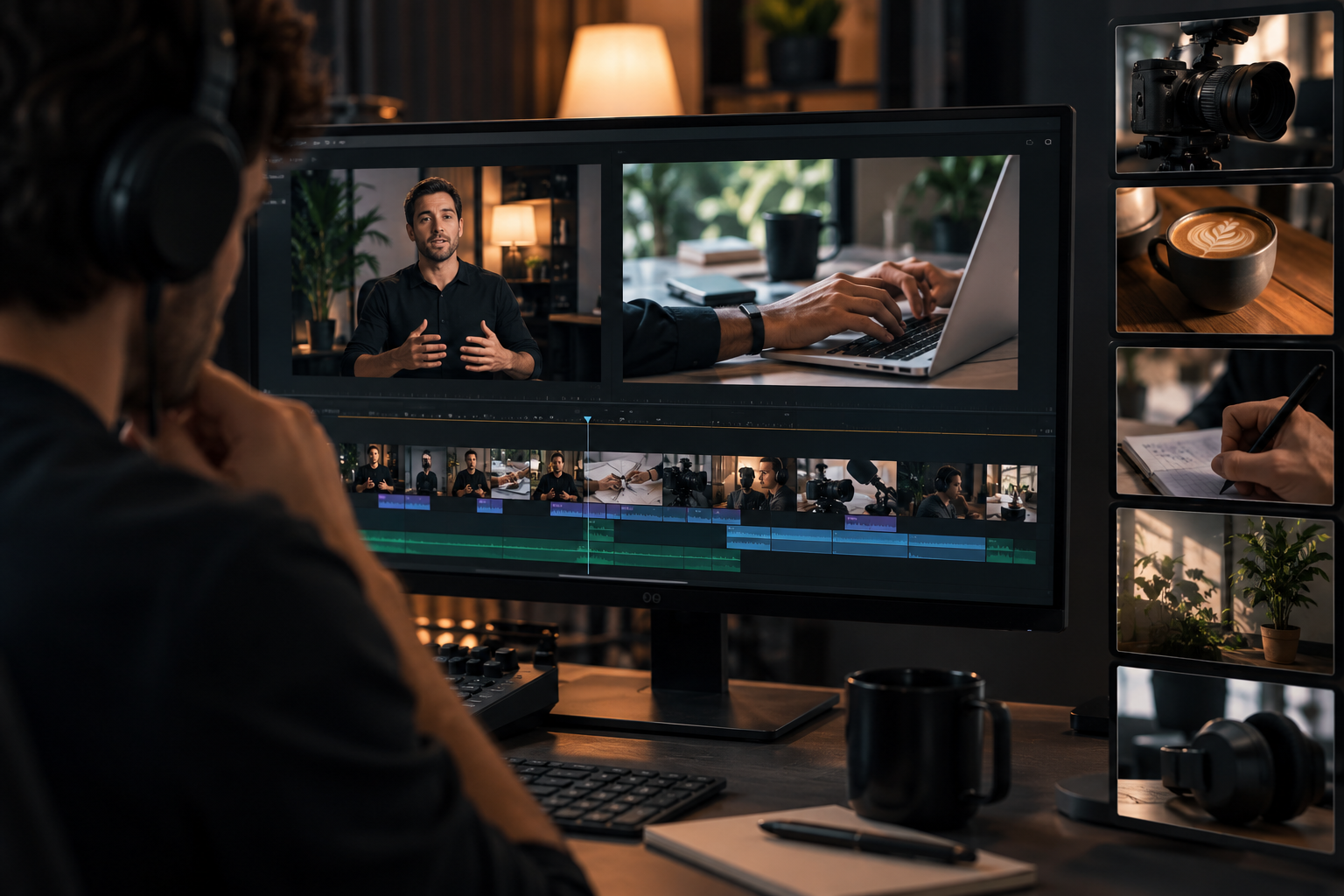



A viewer decides whether to click your video in under a second. That decision is almost never made on your title. It's made on your thumbnail.
Most creators treat the thumbnail as an afterthought — a freeze frame grabbed at the 00:03 mark, uploaded without a second thought. The gap between that and a properly shot, intentional still frame shows up in click-through rate. And CTR compounds.
Why CTR is the metric that compounds everything else
Click-through rate doesn't just determine how many people watch a given video — it shapes how much reach that video gets before an algorithm has weighed in at all. Two identical videos with a meaningfully different CTR can end up with a dramatically different number of total views, simply because more people clicked in the first place. The thumbnail is where that gap starts, before retention, before watch time, before anything else in the funnel has a chance to matter.
What separates a custom thumbnail from a freeze frame
According to YouTube's own Creator Academy guidance, the large majority of top-performing videos use custom thumbnails rather than an auto-generated frame pulled from the footage. The difference usually comes down to a short list of deliberate choices: intentional framing, controlled lighting, a clear subject, and a readable expression. None of these happen by accident three seconds into a talking-head video — they happen because someone decided to make a thumbnail, rather than let one get picked for them.
Formats that consistently perform
A handful of thumbnail formats show up again and again across high-performing content:
- Face-forward with a readable expression — the subject looking at the camera, expression legible even at a small size
- High-contrast text overlay — a short phrase that adds context without repeating the title
- Curiosity gap composition — a frame that raises a question the video answers
- Before/after split — a visual contrast that communicates transformation at a glance
- The "unexpected object" frame — an element that breaks pattern against a feed of similar-looking thumbnails
What these have in common isn't a specific look — it's that each one was chosen on purpose, for a specific effect, rather than left to whatever frame the camera happened to land on.
Building a thumbnail shoot into your recording session
The easiest way to fix a weak thumbnail habit isn't a separate shoot — it's ten extra minutes at the end of a session that's already happening. With the lighting, background, and setup already in place, capturing a handful of deliberate stills costs almost nothing beyond the time it takes to pose for them. That's often the only difference between having proper thumbnail assets for every video recorded that day, and reaching for whatever frame the export tool suggests.
The takeaway
You spent hours recording a video. The thumbnail is the last ten minutes that determines whether anyone sees it. Treating it as a deliberate part of the shoot — not an afterthought handled in an editing tool after the fact — is a small change with an outsized effect on whether the work gets watched at all.
Where those ten minutes actually happen
A Villo Studio session already has the lighting, background, and camera setup dialed in for the main recording — which is exactly what makes a proper thumbnail shoot cost almost nothing at the end of it. Instead of exporting whatever frame the timeline hands you, you walk out with a set of deliberate stills for every video you recorded that day. Book a session and stop leaving your CTR up to a random freeze frame.