

Filming Mistakes That Turn Editing Into a Nightmare (and How to Avoid Them)
Filming Mistakes That Turn Editing Into a Nightmare (And How to Avoid Them)
Editing is often seen as the “magic” that turns raw footage into a professional video. But the truth is, no matter how skilled the editor, poor filming can turn even the simplest project into a long, exhausting process. Every shaky shot, muffled line, or missing angle adds hours to post-production — and sometimes these flaws can’t be fully fixed at all.
Here are the most common filming mistakes that slow down editing (and how to save both time and money by avoiding them before you even hit “Record”):
1. Shaky Footage
A little camera shake might seem minor while filming, but it becomes obvious in the edit. Shaky footage looks unprofessional and is extremely hard to fix. Even modern stabilization tools have their limits: over-correcting crops the frame, reduces sharpness, and still leaves unpleasant wobble.
How to avoid it:
- always use a tripod, monopod, or gimbal;
- if shooting handheld, tuck your elbows in and control your breathing;
- whenever possible, shoot at a higher frame rate — this gives your editor more freedom for smooth slow motion.
2. Poor Lighting
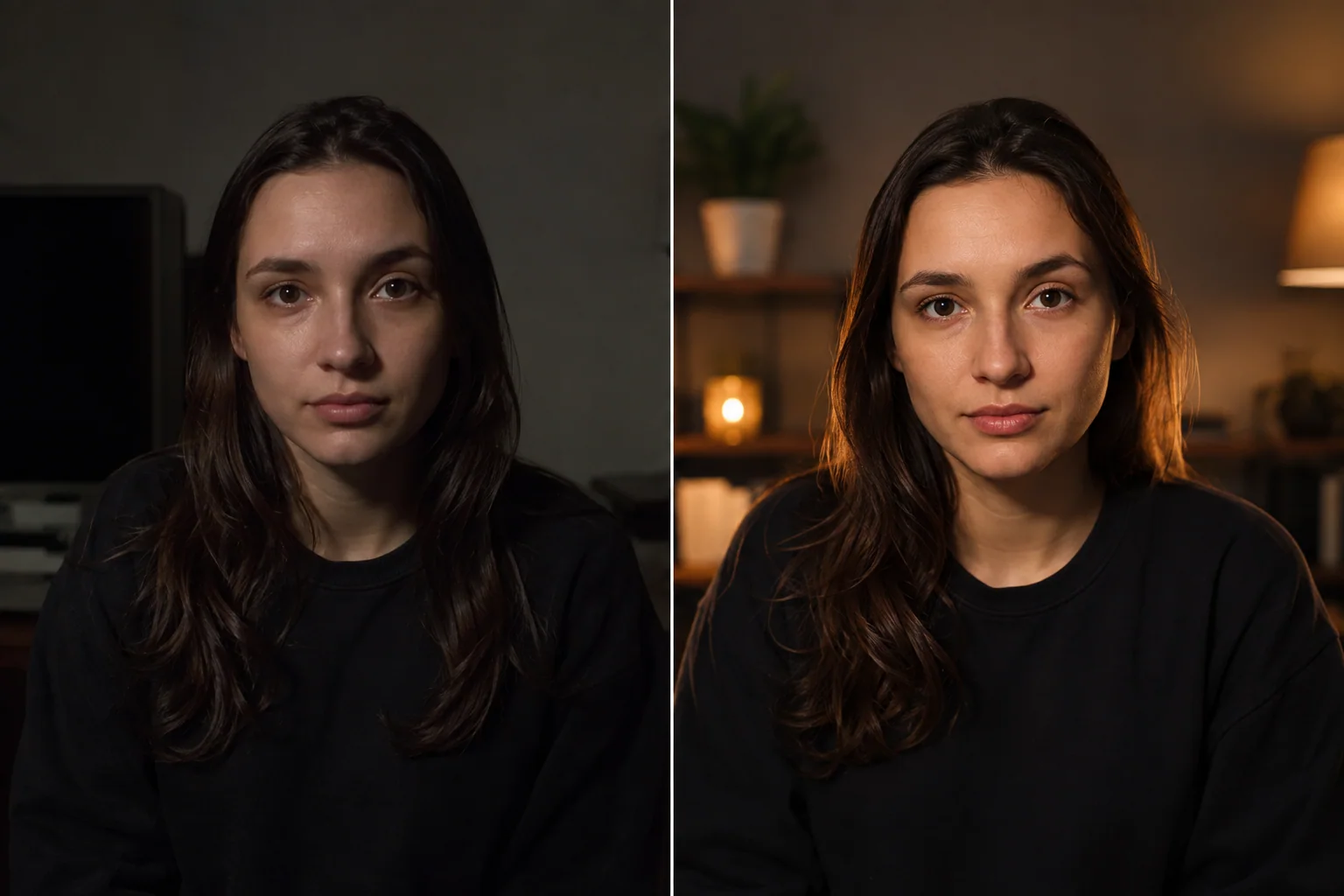
Light can either save your video or ruin it completely. Underexposed footage produces noise and grain when brightened, while overexposed footage loses details that can’t be recovered. Even advanced color correction can’t always save poorly lit footage.
How to avoid it:
- use natural light, especially during the “golden hour”;
- invest in affordable LED panels, ring lights, or softboxes;
- check your exposure, white balance, and shadows before recording;
- remember: consistent lighting across all shots makes editing much easier.
3. Inconsistent Framing and Angles
Cuts on their own aren’t a problem, but if the framing keeps changing, it creates chaos and distracts the viewer. The editor is then forced to zoom, crop, or artificially mask the inconsistencies — which takes time and hurts the final quality.
How to avoid it:
- plan your shoot with a storyboard or shot list;
- keep the same camera height and angle across interviews and static scenes;
- use marks so the subject stays in the same position;
- shoot additional angles deliberately, not at random.
4. Bad Audio
Great visuals can’t save bad audio. Echo, background noise, wind, and muffled voices are almost impossible to properly fix in editing. Sometimes an editor spends hours cleaning up audio — and the result still falls short.
How to avoid it:
- use external microphones (lavalier, shotgun, USB) instead of the camera’s built-in mic;
- choose quiet locations or use soundproofing indoors;
- monitor audio levels with headphones while recording;
- do test recordings before the main shoot.
5. No B-roll
Without cutaways (B-roll), the editor has fewer options to hide cuts, mask mistakes, or keep the video feeling dynamic. The result is awkward transitions and a flat, repetitive look.
How to avoid it:
- always shoot extra B-roll, even if you think you won’t need it;
- capture close-ups, wide shots, and detail shots;
- film establishing shots and transitions between scenes.
6. Filming Without a Clear Plan
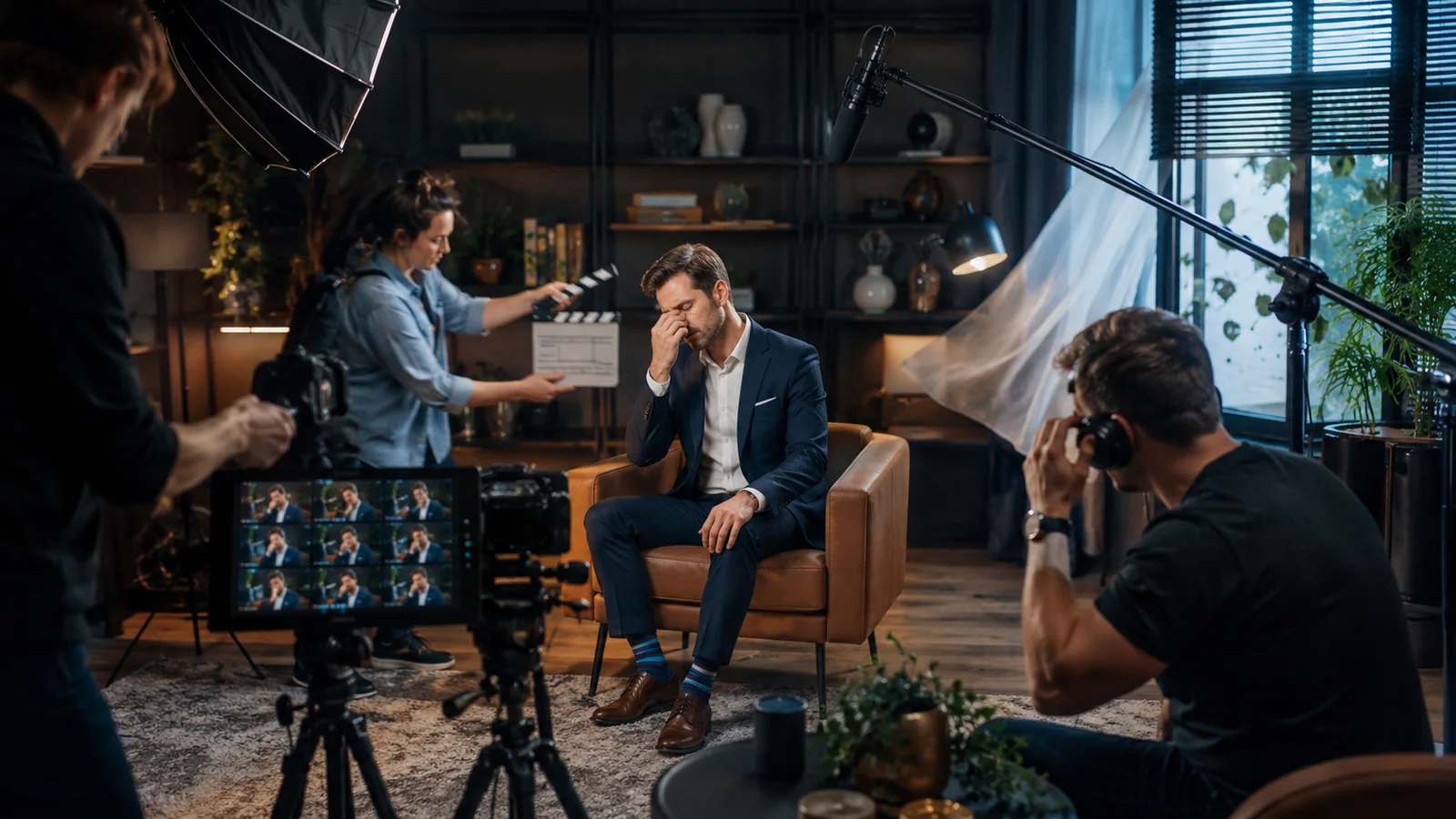
Shooting without structure is one of the most common mistakes. When there are hours of chaotic footage, the editor has to spend enormous amounts of time hunting for usable clips. This drives up costs and makes the final result feel disjointed.
How to avoid it:
- prepare a script or a clear plan;
- communicate your vision to the whole team;
- shoot deliberately: enough footage, but without pointless “over-shooting”;
- keep the story structure in mind at all times.
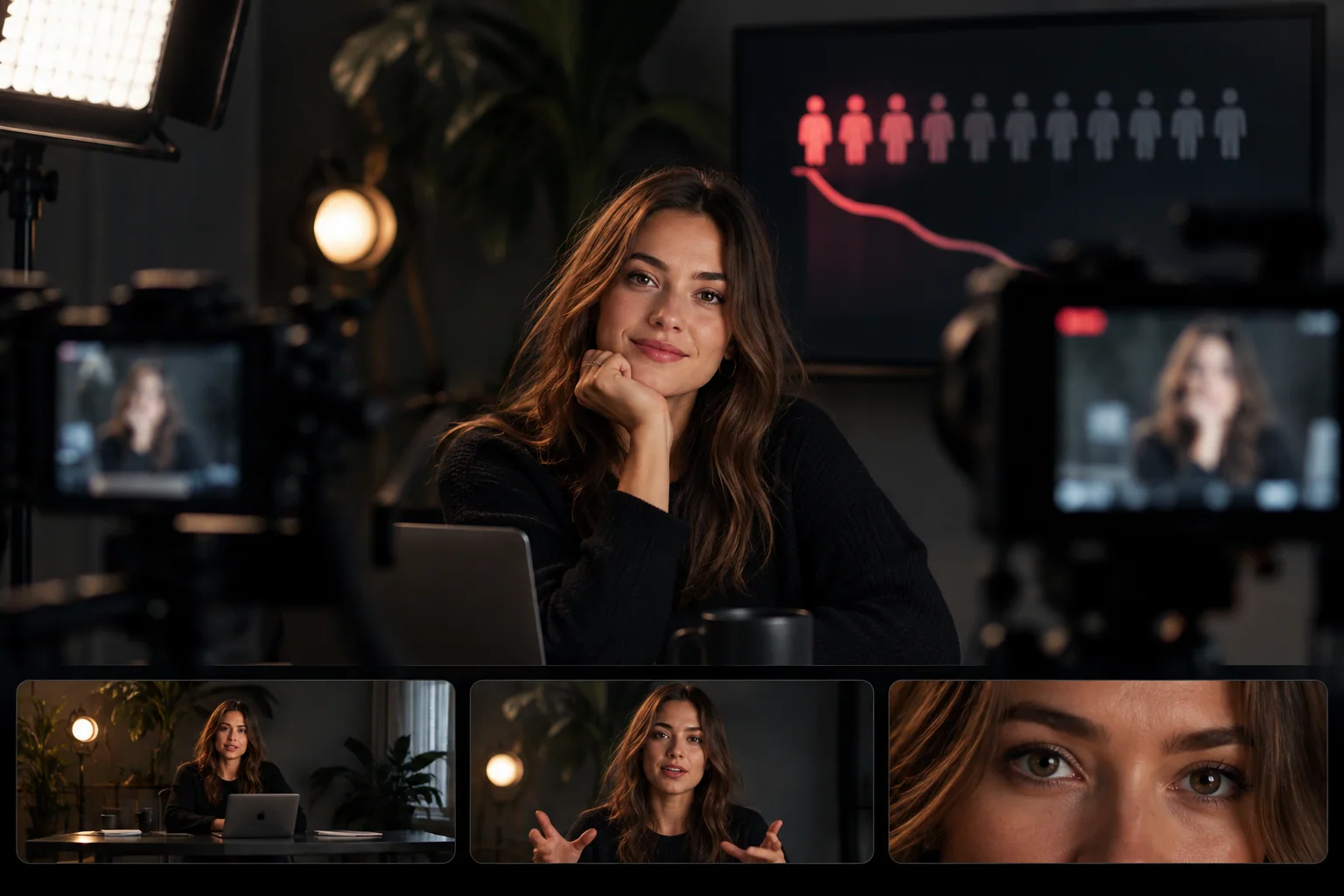
Good editing starts with good filming. By avoiding shaky footage, poor lighting, bad audio, inconsistent angles, missing B-roll, and chaotic shooting, you’ll save your editor’s sanity and end up with a more professional result.
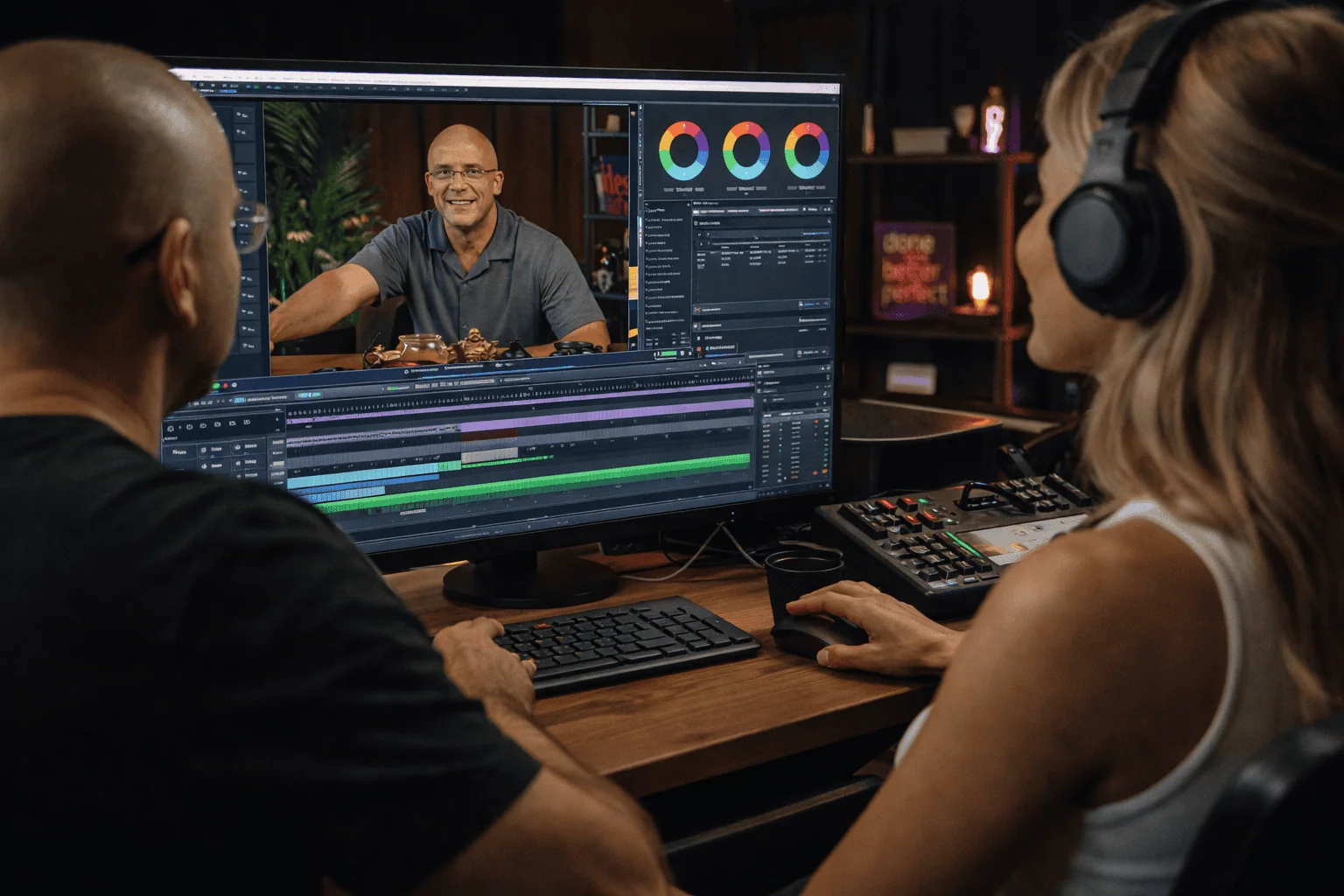
And if the footage is already shot and you’re not sure how to turn it into a finished video — Villo Studio can help. Our team of professional editors knows how to turn raw, imperfect footage into clean, dynamic content:
- stabilization;
- audio enhancement;
- building the story;
- final visual polish.
👉 Leave the tough editing to Villo Studio — and focus on creating content that truly captivates.