

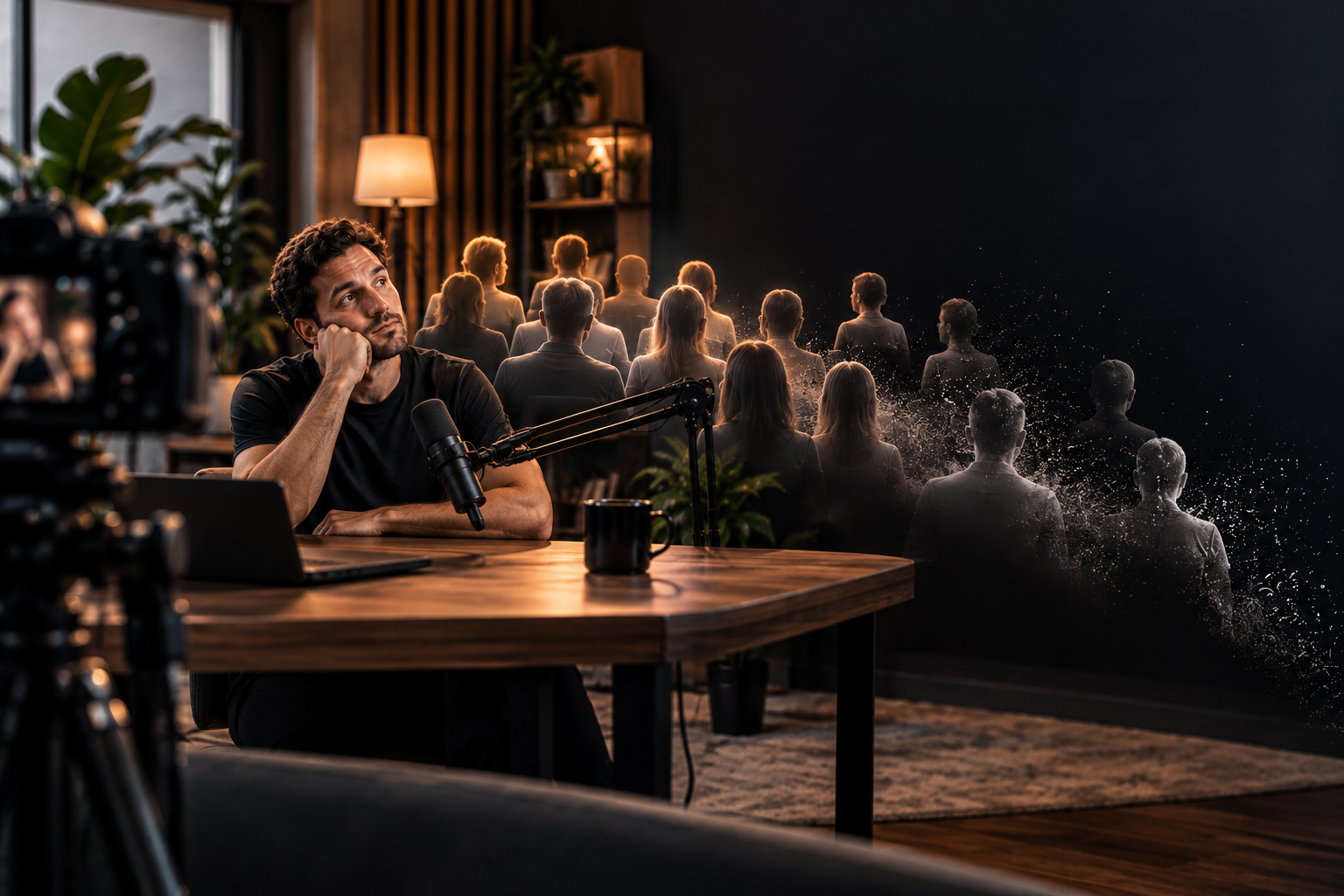
When a speaker pauses to gather a thought, it feels perfectly natural in a live room. On camera, the same pause plays differently. Every unedited second of hesitation is a small moment of friction, and the viewer's thumb is one swipe away from something else. We call this the silence tax: a cost you pay in attention, usually without ever noticing the moment you paid it.
What Counts as Dead Air
Dead air is any stretch of a video where nothing is moving the viewer forward. The usual suspects:
- Long pauses while the speaker searches for the next word
- Strings of filler words ("um", "you know", "so")
- Slow handoffs between co-hosts or between a question and its answer
- Loose transitions where audio trails off before the next point begins
Viewers rarely register a one-second gap consciously. But attention is sensitive to it, and your retention graph tends to show the effect even when no one could tell you what bothered them.
How to Spot It in Your Own Videos
- Open the audience retention graph for a recent video and look for small dips or steeper slopes.
- Jump to those timestamps in your edit.
- Check the audio waveform at each spot. Flat, quiet stretches are often the culprit.
- Compare several videos before drawing conclusions, so one odd spike doesn't mislead you.
Not every dip is caused by silence, since a weak topic or a confusing point can do it too, but dead air is one of the easiest causes to fix.
Don't Over-Edit: Natural Pacing Still Matters
The answer isn't to remove every breath. Audio edited into a gapless, robotic stream tires the ear just as surely as dead air loses it. People expect the natural rhythm of conversation, including short pauses. A brief beat before an important point can even add emphasis. The goal is to remove the drag, the pauses that go nowhere, while leaving the rhythm that sounds human.
Hide the Edit with a Camera Switch
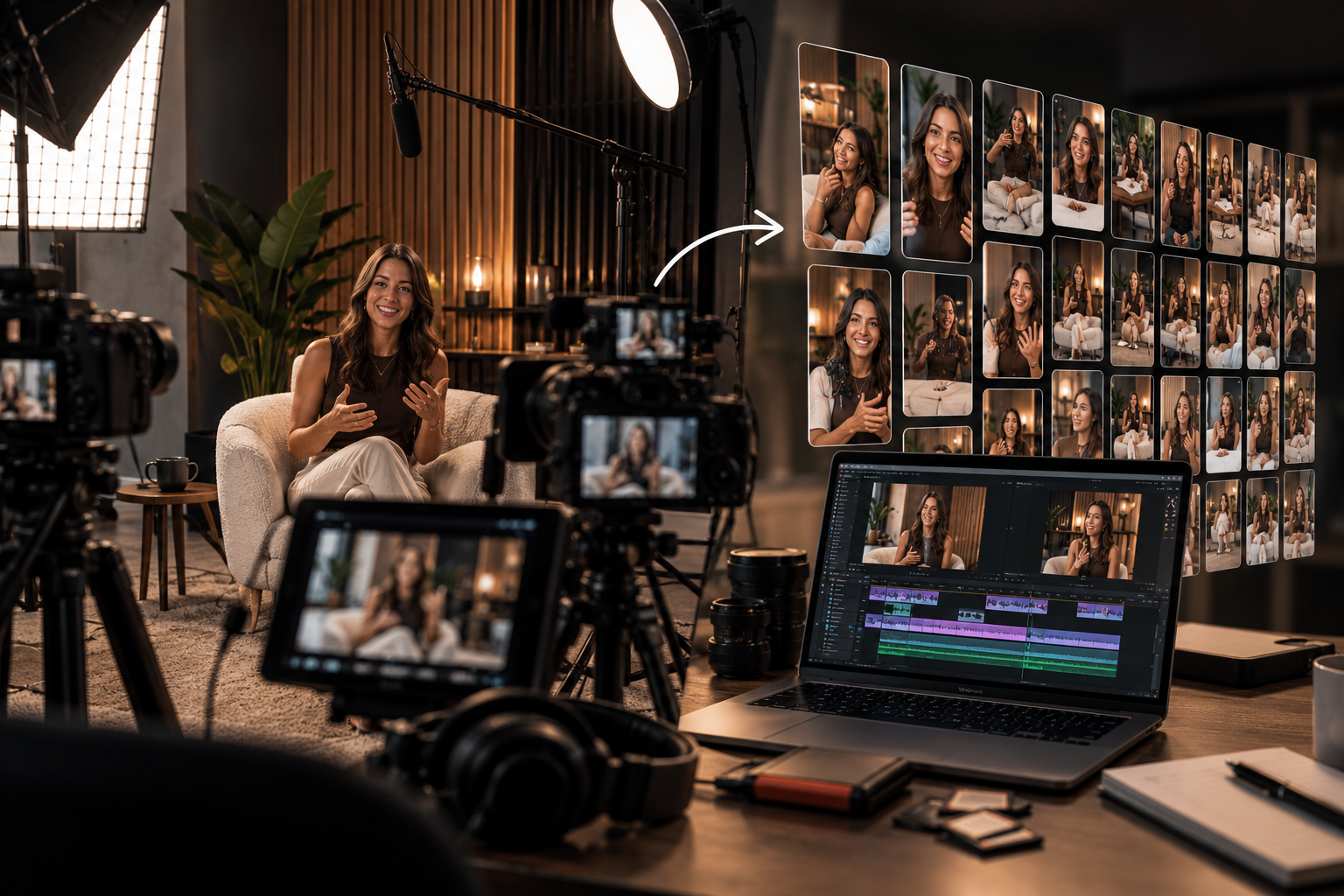
Trimming a pause in a single static shot creates a visible jump cut. With a multi-camera recording, you can cut to a different angle right where the pause was removed, and the edit disappears. The viewer sees a natural change of shot rather than a skip, which lets you tighten pacing without drawing attention to it. It's another reason varied angles are worth recording in the first place.
A 10-Minute Post-Session Audit
Before you export, run through this quick checklist:
- Scan the waveform for flat stretches and trim the ones that don't serve a purpose
- Remove clusters of filler words, but keep a few so speech stays natural
- Tighten the gaps between questions and answers
- Check handoffs between speakers for slack
- Place camera switches over any trimmed pauses
- Watch the first minute once more as a viewer would
Practical Takeaway
Viewers rarely leave because a point was weak. More often they drift during the seconds spent finding the next word. Find those seconds, trim the ones that don't earn their place, keep the natural rhythm, and your content gets the attention it deserves.
Let the Studio Crew Handle the Pacing
Scrubbing a timeline for dead air by hand is slow, tedious work. At Villo Studio in Canggu, Bali, our multi-camera setup gives your editor the angles needed to hide trims, and per our production workflow, each session includes a pacing and silence-reduction pass as part of edit delivery. You spend less time in post-production and leave with a tight, engaging cut ready to publish.