
Home / Check Land Certificates Online Before Buying a House! Ensure the Land is Genuine & Dispute-Free with These Simple Steps You Can Do Yourself Now
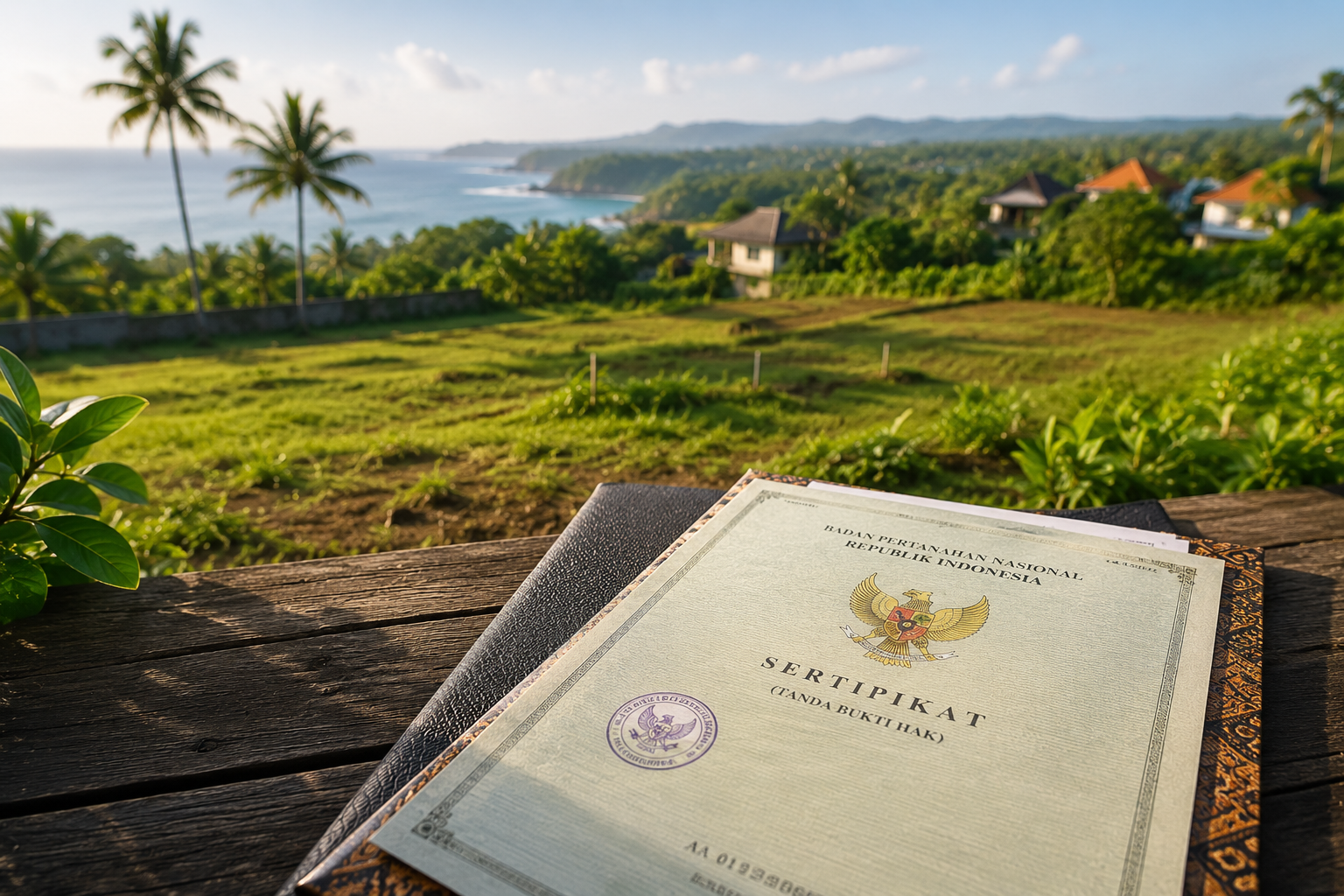
Before purchasing land, it is a good idea to check certain documents first, one of the most important being the land certificate. The good news is that you can now check a land certificate online!
Checking a land certificate online is intended to confirm that the land you are buying is genuine and free from any disputes.
There are several ways to check a land certificate online. Read on to find out everything you need to know!
There are several important reasons why checking a land certificate is necessary:
For these reasons, it is strongly recommended to always verify a land certificate before completing any land or property purchase transaction.
One way to check land before buying online is through the official BPN application called Sentuh Tanahku.
This application is the result of a collaboration between the Ministry of Agrarian Affairs and Spatial Planning and the National Land Agency (ATR/BPN).
Through Sentuh Tanahku, you can not only verify the authenticity of a land certificate, but also access additional information such as application requirements, the certificate processing procedure, and the geographic location of a particular plot of land.
However, not all features in this application are free — you must first register as a user.
Here are the steps to check a land certificate via the Sentuh Tanahku app:
The application was created to, among other things, promote strategic programmes from ATR/BPN, support the inventory of state-owned assets (BMN), and help surveyors locate land plots in the field.
Sentuh Tanahku features a range of tools designed to make it easier for the public to access land information. Here are the main features available in the application:
All of these features are designed to provide convenience and transparency in processing and verifying land documents and certificates.
Another way to check a land certificate online is through the BPN website at www.atrbpn.go.id
Similar to the Sentuh Tanahku app, you can also view land ownership status here.
Here are the steps to check a land certificate via the BPN website:
Another method you can use to verify a land certificate is through the official BPN map sites. In this option, land ownership status is displayed in a two-dimensional format.
There are two sites you can visit: bhumi.atrbpn.go.id and www.atrbpn.go.id.
Both map-based sites follow the same procedure. You can search for a specific location by dragging the cursor and using the zoom in and zoom out features.
Once you have found the land area you are looking for, click on the map and a “Feature Information” panel will appear showing details about ownership rights, land area, and coordinate points.
Land ownership information is indicated by three different colours: orange, green, and blue. Orange indicates that the land parcel has been registered, green indicates an unregistered area, and blue denotes a geographic element.
Using this information, you can verify whether a plot of land has been registered in the BPN land book. If the site shows that the land is not registered but you hold a certificate for it, exercise caution — there is a possibility the certificate is fraudulent.
In addition to visiting a service counter, you can also check a certificate at the BPN office using a KiosK machine.
These machines are generally located in the lobby or service area of the BPN office.
Using the KiosK, you can obtain information related to land services, requirements, and processing timeframes.
You can even find out the cost of services and other relevant information without having to queue at the counter.
If you decide to check your certificate in person at the BPN office, make sure to prepare the necessary documents and requirements beforehand, including:
If you are still uncertain, you can verify the authenticity of a land certificate in person at the local land office.
You can also choose a BPN office close to the location of the land or property you wish to buy to avoid travelling too far.
Next, submit your verification request at the available service counter.
If the certificate is confirmed to be genuine, the BPN officer will stamp it officially as proof of verification.
However, if there are still doubts about the certificate’s authenticity, a plotting process will be carried out.
Plotting is a process for verifying the authenticity of a land certificate using GPS technology, with the aim of locating the actual land position within the BPN land registration map database.
If the location of the land on the certificate matches the BPN plotting data, the certificate is considered genuine.
However, if the land location does not appear, it is possible that the land has not yet been registered or that the certificate is fraudulent.
Villo Studio — a video production studio in Canggu, Bali. We help businesses create professional podcasts, social media videos, product photography, and creative content.
villostudio.com · Canggu, Bali