
Video is one of the most popular forms of content, especially when filmed in the beautiful locations of Bali. High-quality videography allows you to convey the uniqueness of each moment and requires the operator not only to have knowledge of technology and masterful command of equipment, but also a creative flair.
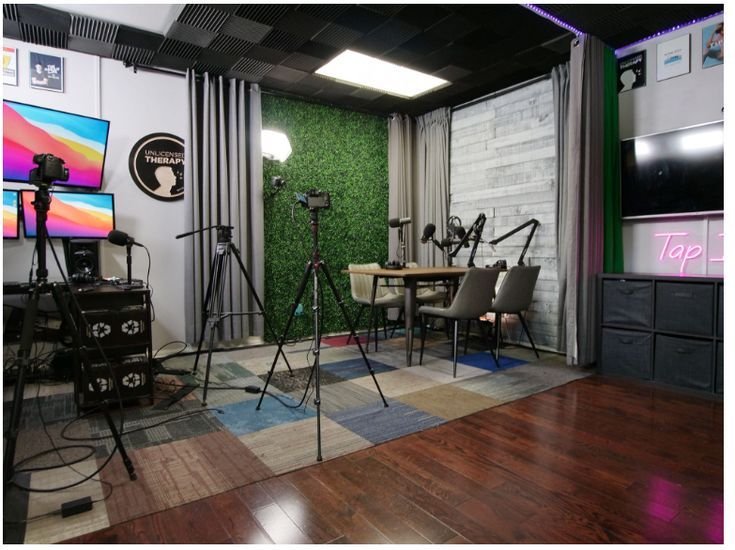
Depending on the set goal and area of application, different types of shooting are used. Knowing these specifics helps to find the optimal approach for each project.
In the business world, video recording of conferences and forums has become commonplace. It helps convey the atmosphere of the event, capture its key moments, and preserve information for the audience. Successful shooting requires:
The viewer should receive complete information about the event, excluding confidential data.
The main feature of such events is their dynamism. It is important to have good professional training to quickly navigate the situation. The operator must:
It is best to have several cameras with different lenses on hand to quickly adapt to any development of events.
Companies use short videos to promote a product or service. Therefore, it is important to find an interesting idea and correctly choose the target audience for which the film is intended. The commercial should be short, and every frame should be precise to the second. Such work requires a cohesive professional team.
Such a video allows for the visual presentation of educational material to the target audience and is becoming increasingly popular in the education system. The choice of format is determined by the set task and content:
The world is changing rapidly; new technologies, and with them video content formats, appear every day.
Any video shooting requires preparation and planning and goes through several sequential stages. Each of them step by step reflects the key moments of the process.
Work begins with drawing up a technical specification, which takes into account all the client’s wishes. The goal and format of the video are determined — the type of video depends on this: educational, commercial, entertainment, or informational.
The video concept is developed; it includes:
The concept, as the foundation of the entire shooting process, must account for every detail.
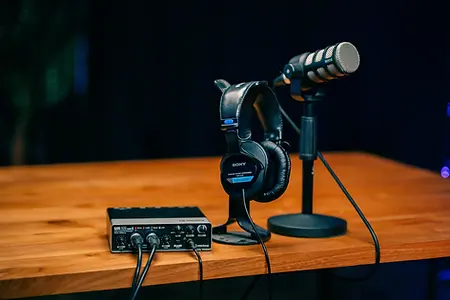
Properly selected equipment determines the quality of the video. The necessary kit includes the following apparatus:
Cameras: DSLR or mirrorless cameras for professional videos, drones for aerial or panoramic shots.
Microphones: Directional microphones for reports or interviews, wireless ones for outdoor shooting, lavalier microphones for webinars and presentations.
Stabilization: Tripods for stability in static shots, gimbals for dynamic scenes.
Lighting: Softboxes or LED panels for creating even light in the studio, ring lights for portrait shooting, reflectors for outdoor shoots.
Properly configured equipment saves time and simplifies the shooting process.
Direct work on creating the video begins with the correct organization of the space:
The video will turn out more dynamic if you alternate between wide, medium, and close-up shots during filming.
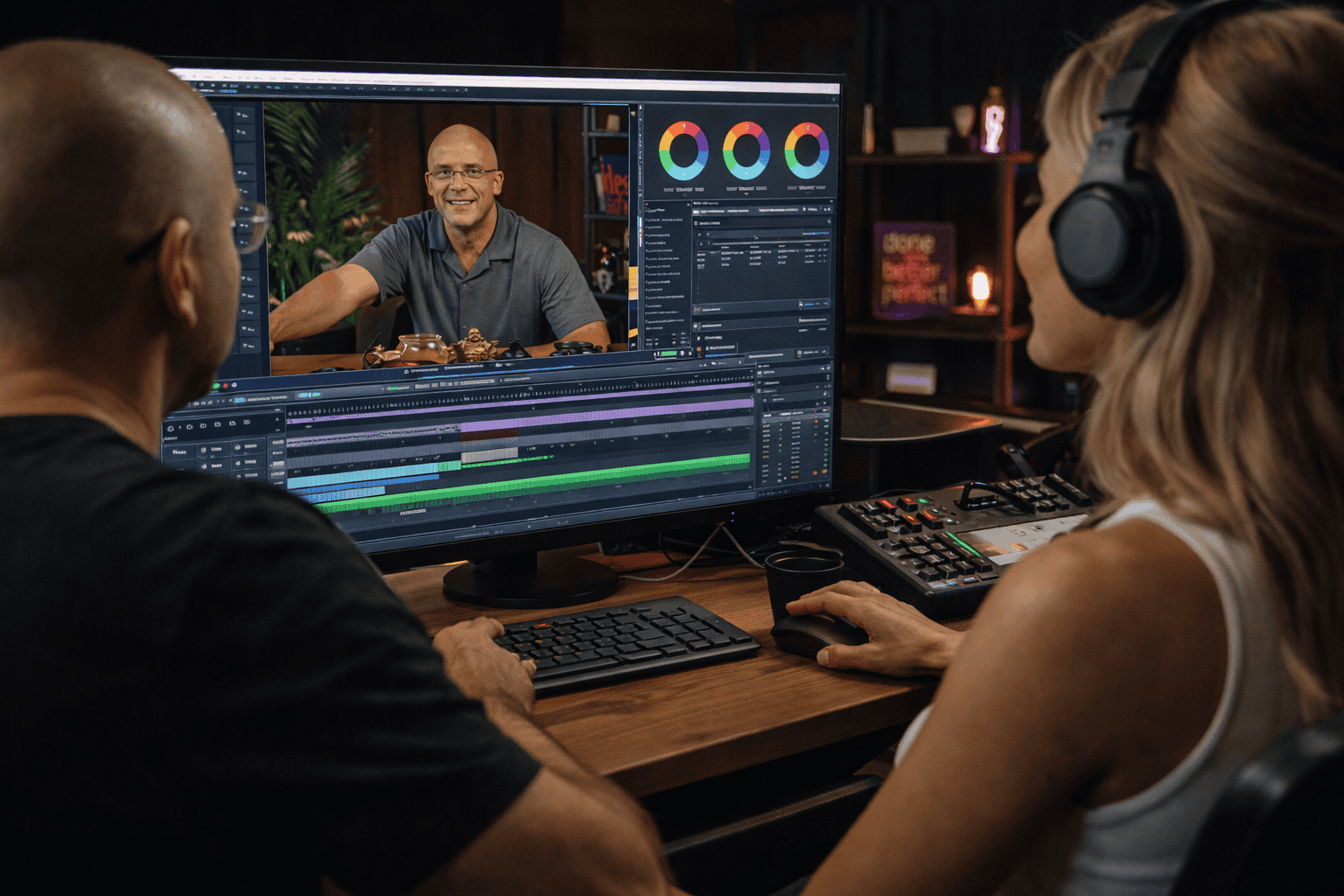
At this stage, a coherent picture is created from disparate shots. Competent editing can save even a not-so-successful video. During processing:
With proper editing, dynamic and calm moments alternate without disrupting the temporal logic.
To ensure all shots have a unified visual style and look natural, color parameters are corrected. This includes:
Color correction allows you to improve video quality while maintaining the naturalness of the image.
Many beginners make mistakes when processing video that can ruin it. The most common ones include:
Poor audio. In conversational videos, background music is often too loud, overpowering speech. — You should lower its volume; the melody should play exactly in the background.
Lack of logic in cutting shots leads to a lack of sequence in the narrative. — Preliminary work is needed to select the best shots that tell the story.
Mismatch of graphic parameters. — You need to choose a specific font size and color and use it throughout the video.
Placing similar shots next to each other. — There is a rule of alternating wide, medium, and close-up shots, and it must be followed.
An excess of effects and transitions that distract the viewer from the main plot. — Don’t overuse effects.
Illegible text in the frame. — If subtitles are added to the video, they should be placed on a contrasting background, and the size should be comfortable for reading.
Overdoing color correction. — Too bright and saturated colors make the video look unnatural and uncomfortable to watch.
Good editing is unnoticeable, and the video will look natural and appealing.
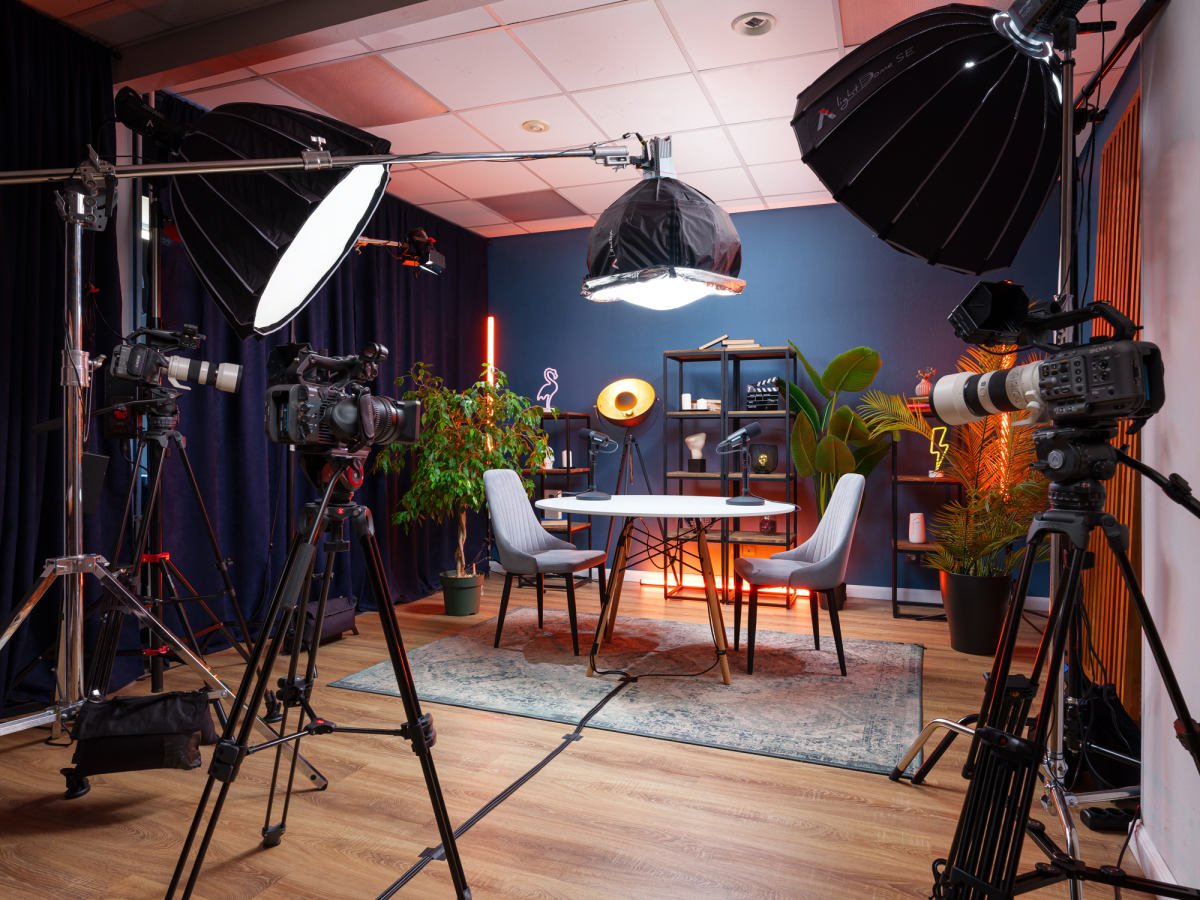
Villo Studio offers professional assistance in creating any type of video content: commercials, video podcasts, interviews, or short films, and also has the necessary equipment and specialists for organizing on-location shoots.
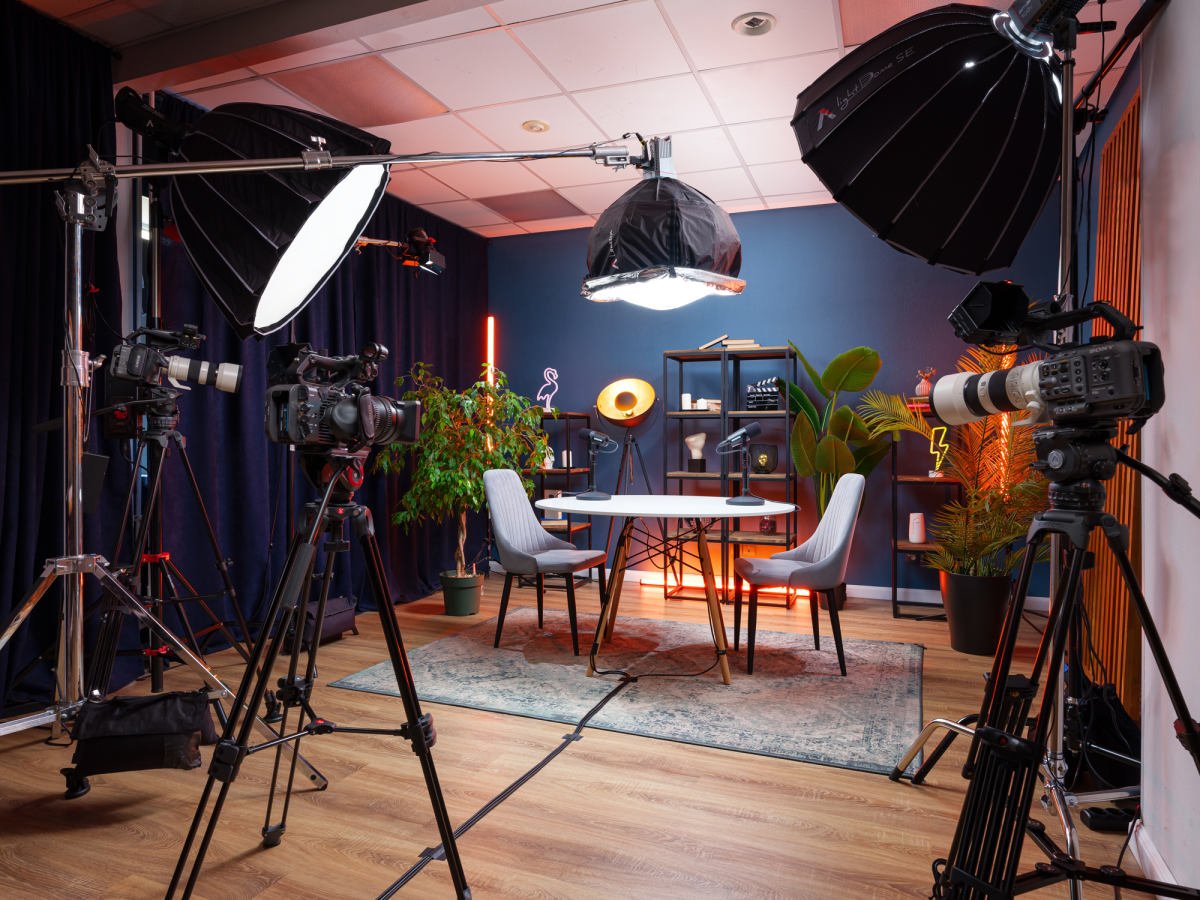
The studio provides a full range of services, including space for various layout options and a make-up area. A team of professionals is ready to accompany the creative process at every stage of production. At your disposal is first-class equipment:
Modern soundproofing blocks out background noise and any extraneous sounds, creating an ideal environment for recording content.
If you need high-quality shooting with a professional videographer, book a session at Villo Studio!