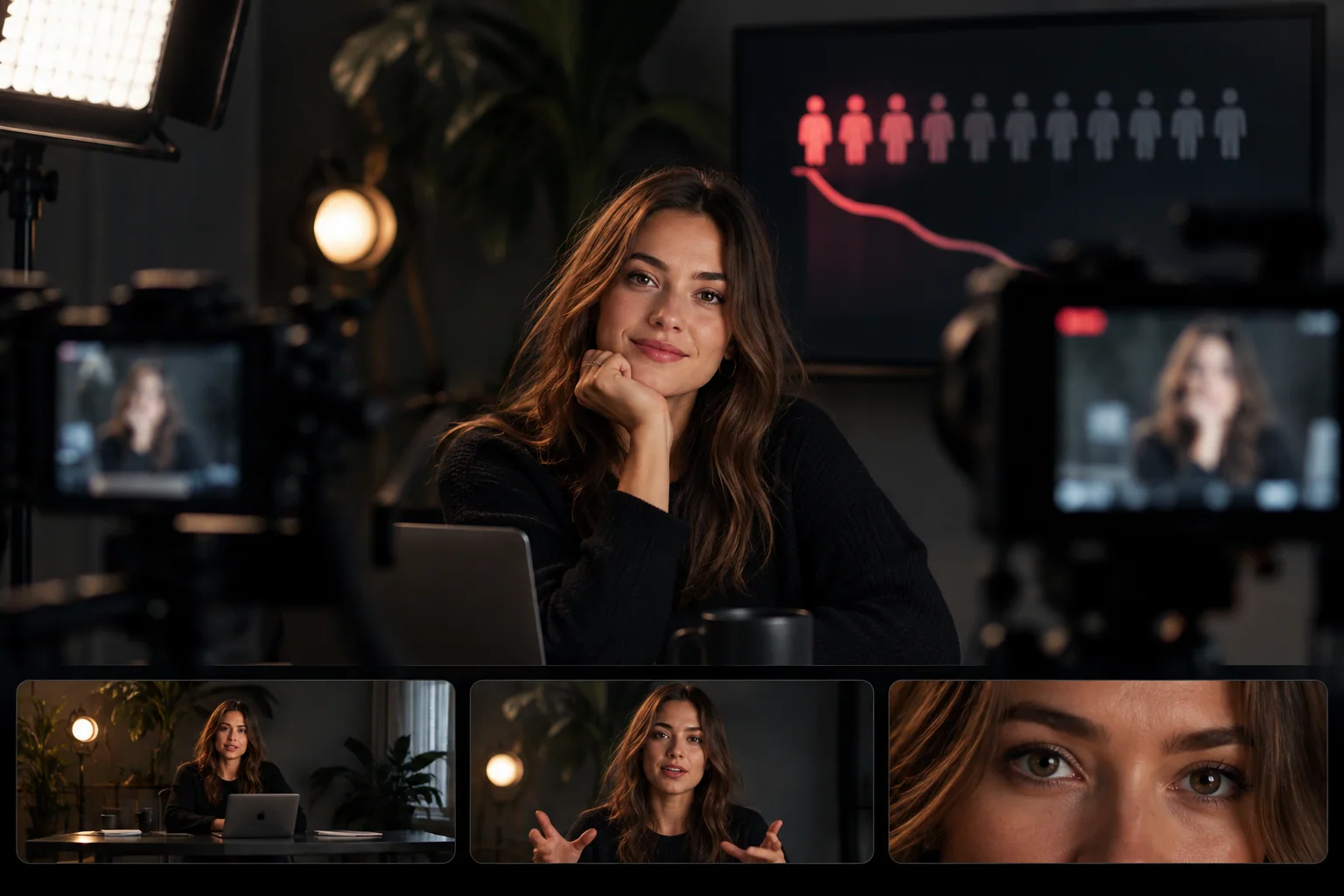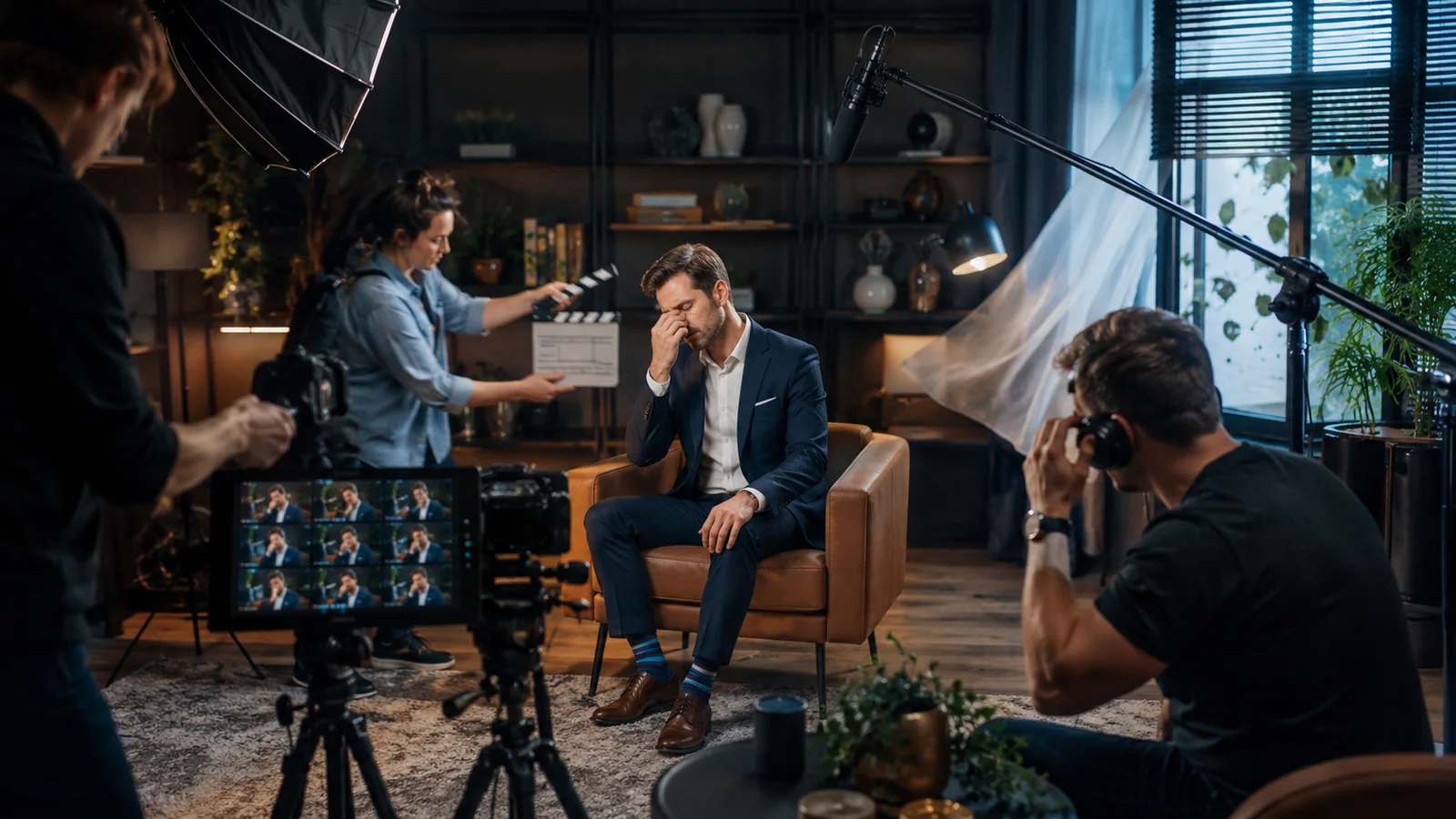


Live streaming has moved from a niche activity to a core business tool. Brands run product launches as live events, educators host webinars to thousands of attendees, gaming creators stream daily to global audiences, and conferences increasingly run hybrid formats with both in-person and online viewers. The technical bar for “professional” has risen sharply — and trying to pull off a polished live stream from a laptop and a USB mic just doesn’t cut it anymore.
That’s why we built a dedicated live streaming setup at Villo Studio in Canggu, Bali. Whether you’re running a webinar for a few hundred clients, streaming a panel discussion, broadcasting a podcast live, or hosting a hybrid event, our studio gives you the gear, the bandwidth, and the technical support to look and sound like a major network. This guide breaks down what goes into a professional live stream and what we offer to make yours go smoothly.
1. Why Live Streaming Quality Matters More Than Ever
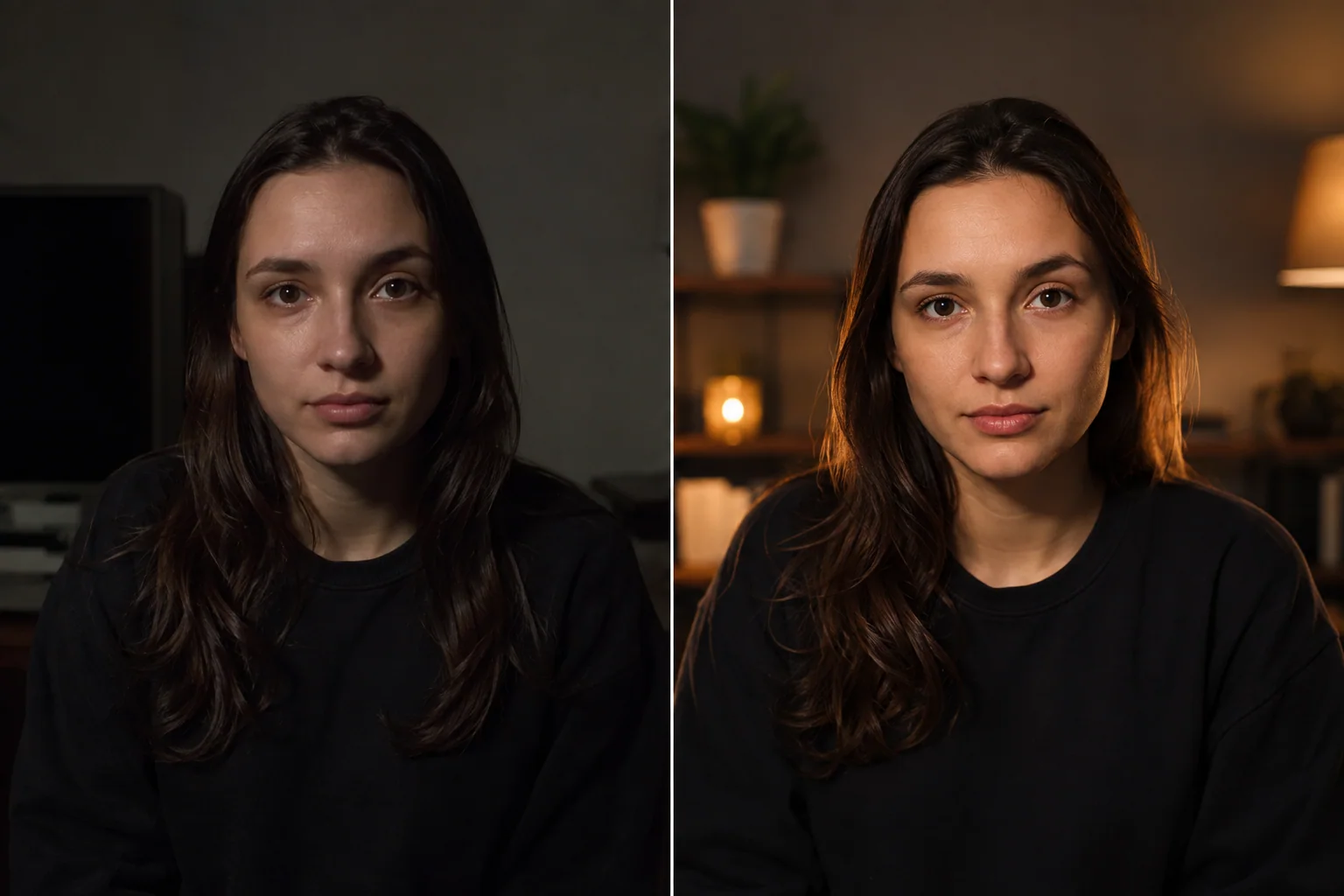
Audiences have been trained by Netflix, YouTube, and professional broadcasts. When they tune into your stream, they unconsciously compare it to that standard. Poor lighting, muffled audio, or laggy video signals — even subtly — that the content might not be worth their time.
A professional live stream setup gives you:
Credibility: production quality is the fastest way to signal expertise and authority.
Engagement: better audio and visuals keep viewers watching longer.
Audience growth: high-quality streams get clipped, shared, and replayed.
Sponsorship potential: brands invest in creators and events that look professional.
Conversion: webinars with strong production convert significantly better than scrappy ones.
2. Multi-Camera Streaming Setup
Single-camera streams are flat and lose attention quickly. Multi-camera setups create dynamic, broadcast-style production that holds viewers through long sessions.
Our standard streaming configuration:
Up to 4 broadcast cameras with live switching
Wide, medium, and close-up angles pre-framed
Dedicated camera for slides, product demos, or screen shares
Picture-in-picture and split-screen layouts
Live graphics overlays (lower thirds, name tags, logos)
Replay and instant clips for highlights
The setup is operated by a live director who manages camera switching, graphics, and pacing — leaving you free to focus entirely on your audience.
3. Rock-Solid Internet Infrastructure
Nothing kills a live stream faster than a dropped connection. We engineered our network specifically for streaming reliability:
Primary fibre connection with high symmetric bandwidth — capable of streaming 1080p60 to multiple platforms simultaneously.
Backup connection on a completely separate provider with automatic failover.
4G/5G bonded backup for redundancy in case both ISPs fail.
Wired ethernet for every streaming device — no Wi-Fi gambling.
Dedicated streaming PC separate from production machines.
This level of redundancy is what production companies use for broadcast TV. For a corporate webinar or live event where downtime costs real money, it’s non-negotiable.
4. Multi-Platform Simulcasting
You don’t need to choose just one platform anymore. We can broadcast your live stream to multiple destinations at once:
Supported platforms:
YouTube Live
Facebook Live
LinkedIn Live
Twitch
TikTok Live
Instagram Live (via mobile bridge)
Custom RTMP destinations (Zoom Webinar, Vimeo, custom apps)
Private streams for clients or paid audiences
Simulcasting maximises your reach without extra production cost. Your YouTube subscribers, LinkedIn network, and Facebook community all see the same content at the same time — and you build presence across platforms simultaneously.
5. Webinar and Hybrid Event Production
Webinars and hybrid events have specific requirements that go beyond standard streaming. We’re set up to handle them end-to-end:
Remote guest integration: bring in speakers from anywhere in the world via Zoom, StreamYard, or vMix Call with broadcast-quality video and audio.
Audience interaction: live Q&A, polls, chat moderation, and audience reactions integrated on screen.
Registration and replay: integrations with major webinar platforms for attendee tracking and on-demand replay.
Branded graphics: custom lower thirds, intros, transitions, and outros built to your brand.
Presentation support: seamless screen sharing for slides, demos, and walkthroughs.
Post-event deliverables: full recording, social media cuts, and highlight reels delivered same day.
6. Audio That Sounds Like Broadcast
Viewers tolerate imperfect video, but bad audio makes them click away within seconds. Our streaming audio chain is built around broadcast standards:
Professional microphones: Shure SM7B, Rode broadcast mics, and lavaliers configured per host.
Real-time processing: compression, EQ, noise gates, and de-essing applied live so output sounds polished.
Acoustic treatment: the studio is treated to eliminate echo and reflections.
Monitoring: hosts hear themselves and remote guests through professional in-ear monitors.
Backup recording: all audio is recorded locally in addition to the stream, so you have clean files for post-event editing.
7. On-Site Tech Support
You should not be the one troubleshooting OBS five minutes before going live. Our streaming sessions include full technical operation by our crew:
Live director: manages camera switching, graphics, and pacing.
Audio engineer: monitors levels, handles remote guest audio, and manages live mixing.
Streaming technician: watches bitrate, latency, and platform health across all destinations.
Producer: coordinates run-of-show, cues, and on-screen elements.
For high-stakes streams — investor presentations, product launches, ticketed events — this team makes the difference between a flawless broadcast and a memorable disaster.
8. Use Cases We Handle
Common streaming projects at Villo Studio include:
Webinars: educational, sales, and training sessions with 100–10,000+ attendees.
Product launches: live reveals for global audiences with multi-camera cinematic coverage.
Conferences and summits: multi-day events with multiple speakers and breakout sessions.
Live podcasts: audience-facing podcast recordings with chat interaction.
Hybrid events: in-person audience in Bali combined with global online viewership.
Streaming masterclasses: creators teaching live courses with real-time student interaction.
Corporate town halls: internal company broadcasts to distributed teams.
Press conferences: media events with live Q&A from journalists worldwide.
9. Planning Your Live Stream
A successful stream is built before the camera ever turns on. Here’s how we recommend planning:
1. Define the goal: what do you want viewers to do after watching? This drives every other decision.
2. Build a run-of-show: minute-by-minute timing for segments, transitions, and interactive moments.
3. Test, test, test: we run a full technical rehearsal before every major stream. Skipping this is the single biggest cause of live disasters.
4. Prepare backup plans: what happens if a remote guest drops? If a slide deck fails? Pre-planned contingencies save the broadcast.
5. Plan the post-event flow: replay distribution, highlight clips, and follow-up communications should be ready before you go live.
How to Book a Live Stream Session
Booking is straightforward but we recommend reaching out early — high-quality streams require planning time:
1. Initial consultation: share your event details, audience size, platforms, and timing through villostudio.com.
2. Production proposal: we’ll send a tailored package within 48 hours with crew, gear, and platform recommendations.
3. Pre-production planning: 1–2 weeks before the event, we finalise run-of-show, graphics, guest logistics, and rehearsal schedule.
4. Technical rehearsal: full dry run 24–48 hours before going live.
5. Live event: our team handles everything so you can focus on your audience.
6. Post-event delivery: recordings, clips, and analytics delivered within 24 hours.
Ready to Go Live?
Whether you’re hosting your first webinar or scaling an existing live event programme, Villo Studio gives you broadcast-grade production without the complexity. We’ve handled everything from intimate masterclasses to major product launches streamed to global audiences — and we treat every session with the technical rigour the format demands.
Visit villostudio.com to discuss your next live event and request a custom production quote.
Need professional video content in Bali?
Villo Studio — a video production studio in Canggu, Bali. We help businesses create podcasts, social media videos, product photography, and creative content.
villostudio.com · Canggu, Bali
For a studio broadcast with cameras and a crew, explore our live streaming studio in Bali.